You decide what the group album shows
Every upload waits in your private review queue. Approve the ones you are happy for everyone to see. The rest are never shared.
Bachelorette and hen party photos
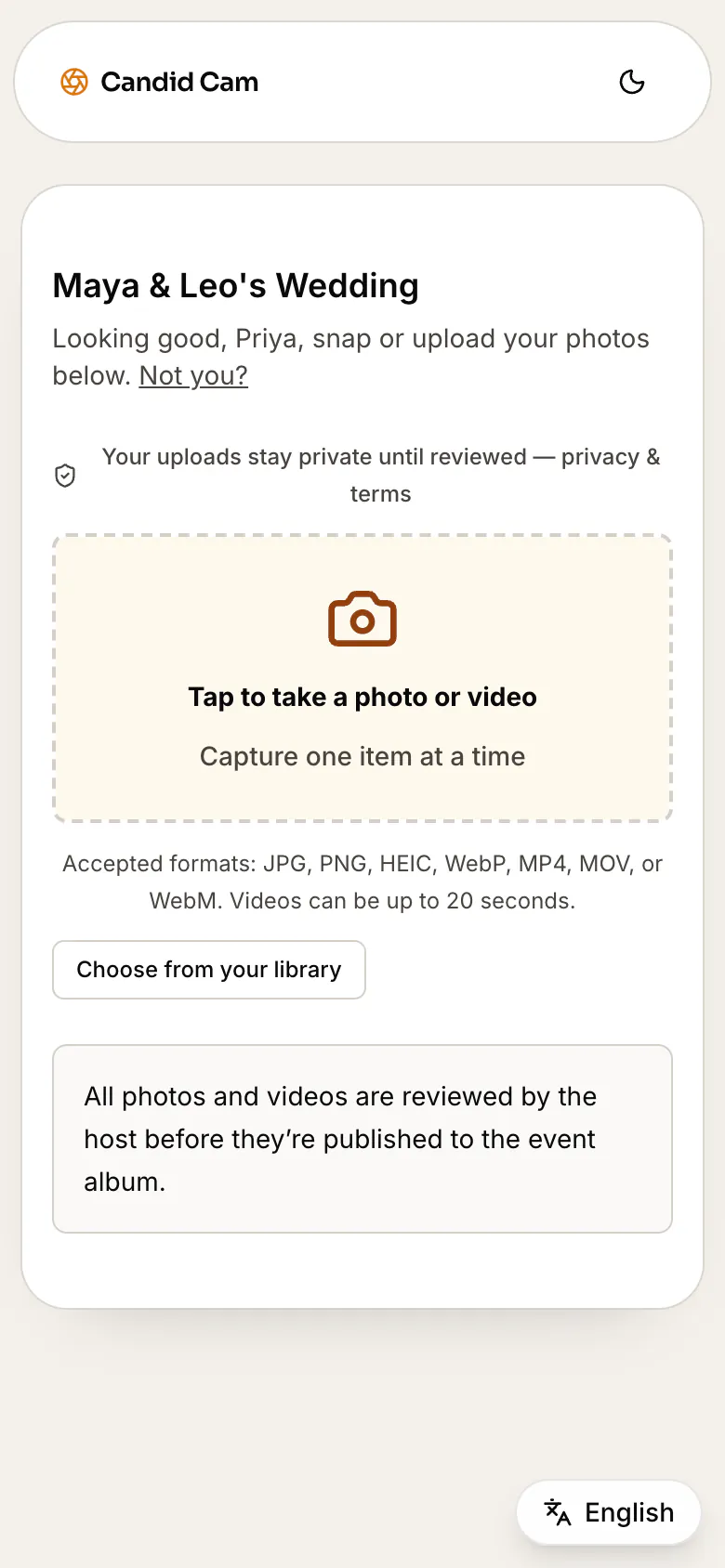
Guests scan one QR code and upload photos and videos in their phone browser, with no app and no account. Nothing reaches the shared album until you approve it, so the photos from the night out stay where you want them.
US$35 for Social, paid once per event, with approval on every upload.
See the whole guest experience work before you pay.
No subscription and no free plan.
Built for the weekend
Every upload waits in your private review queue. Approve the ones you are happy for everyone to see. The rest are never shared.
Use the same code for dinner, the night out and brunch the next day. Guests can upload through the event and for 30 days after it, so late photos still arrive.
Share the finished album with one link. You can add a password and an expiry date, so it stays with the group.
The name changes by country; the setup does not. One QR code, uploads in the browser, and your approval before anything is shared.
How it works
Name the party and set the dates. You can try the whole guest flow yourself before you pay.
Share the link in the group chat before the weekend, and show the code at dinner or on a sign.
Photos and videos land in your private review queue. Approve the ones you want; the rest never reach the album.
Send the finished album to the group, and to the bride or groom when you are ready.
Make a printable sign for the QR code with the free QR sign maker, which needs no account.
Price
| Plan | Price, paid once | Uploads | Roughly suits |
|---|---|---|---|
| Social | US$35 | 200 uploads, up to 60 of them videos | About 40 guests |
| Plus | US$69 | 500 uploads, up to 150 of them videos | About 100 guests |
The guest counts assume about 5 uploads per guest, the estimate Candid Cam uses when it suggests a plan. Each guest video can be up to 20 seconds. Guests can upload through the event and for 30 days after it, and a paid album stays online until you delete it. Prices are in US dollars; checkout shows your local currency.
Related guides
Party photo sharing app · Wedding photo sharing app · Private wedding album · QR code photo album · Event photo sharing app
Yes. Every upload waits in your private review queue. Only the photos and videos you approve reach the shared album; guests never see the rest.
Candid Cam has no free plan. Social is US$35 per event for 200 uploads, up to 60 of them videos. A shared Google Photos album is free, but guests sign in with a Google account to add photos, and what they add shows straight away.
No. Guests scan the QR code or open the link and upload in their phone browser. They type their name and see a consent notice first.
Yes. One event covers the weekend, and guests can upload through the event and for 30 days after it.
Yes. It works the same way for any of them: one QR code, uploads in the browser, and your approval before anything is shared.
One payment per event, with no subscription. Social is US$35 for 200 uploads, up to 60 of them videos. Plus is US$69 for 500 uploads, up to 150 of them videos.
Social is US$35 per event for 200 uploads, up to 60 of them videos. Every upload waits for your approval, and guests need no app.
·