You only want to show your own photos
Engagement photos and the story of how you met belong on your wedding website. Every platform above lets you add your own photos.
Wedding website photo sharing
Your wedding website holds the schedule, the RSVPs and the registry. Guest photos are often a separate job. Here is what nine wedding website platforms say about photos on their own pages, and how to add a QR code upload with private review to the website you already have.
Free to start. No card.
US$35 per wedding when you need more photos or videos. You pay once.
Checked on 4 October 2026
Each row uses only what the platform says on its own pages. Features and prices can change, so check the platform before you choose.
| Platform | Photos, as its own pages describe them | Cost listed |
|---|---|---|
| Joy | Shared photo albums where guests upload and view photos, before, during and after the wedding. You can delete a guest upload afterwards. | Website and app free. |
| The Knot | Website photo albums for photos that you upload, up to 30 MB each. Its guide to QR codes for wedding pictures points couples to other sites and apps for guest photos. | Website free. Custom domain US$19.99 for one year. |
| WeddingWire | Guests share photos and videos in the separate WeddingWire for Guests app, which they download and join with your album code. You can remove a photo after upload and download the whole album. | Website free. |
| Zola | A website gallery for your own photos and videos. For guests, the Disposable Camera: they scan a QR code with no app download and take a set number of live shots, but cannot upload from their camera roll at this time. You can preview and hide photos before the reveal. | Website free. The camera is priced by guest count, with a free test for up to 5 guests. |
| Minted | A website gallery that you fill from your dashboard, with up to 1,000 photos. Its help says it cannot add features such as a guestbook or widget to your website. | Free website tier. Custom URL renewal US$15 a year. |
| Riley & Grey | You add photos, and video from YouTube or Vimeo. Every website comes with its own QR code that links to the website. | Free to sign up and try the editor. US$299 a year or US$39 a month to publish. |
| Appy Couple | A gallery that collects guest photos. Guests upload in the app, or on the desktop website, once you turn guest uploads on; depending on your privacy settings, they enter your Wedding Code. You can delete any photo. | The app is free for guests. |
| Say I Do | A photo gallery for your own photos. For guest photos, you paste the link of an outside photo sharing service that it works with; guests use that service’s link, app or QR code. | Free website with every account; paid packages too. |
| WedSites | A guestbook on your website where guests can attach a photo to their message, once you turn it on. You can approve entries before they go live. | Free to start. Paid plans are a one-time payment. |
Dedicated upload
Start free with no card, and pay once per wedding when you need more photos or videos. Prices are in US dollars; checkout shows your local currency. See the full pricing, or how wedding guests upload photos.
Step by step
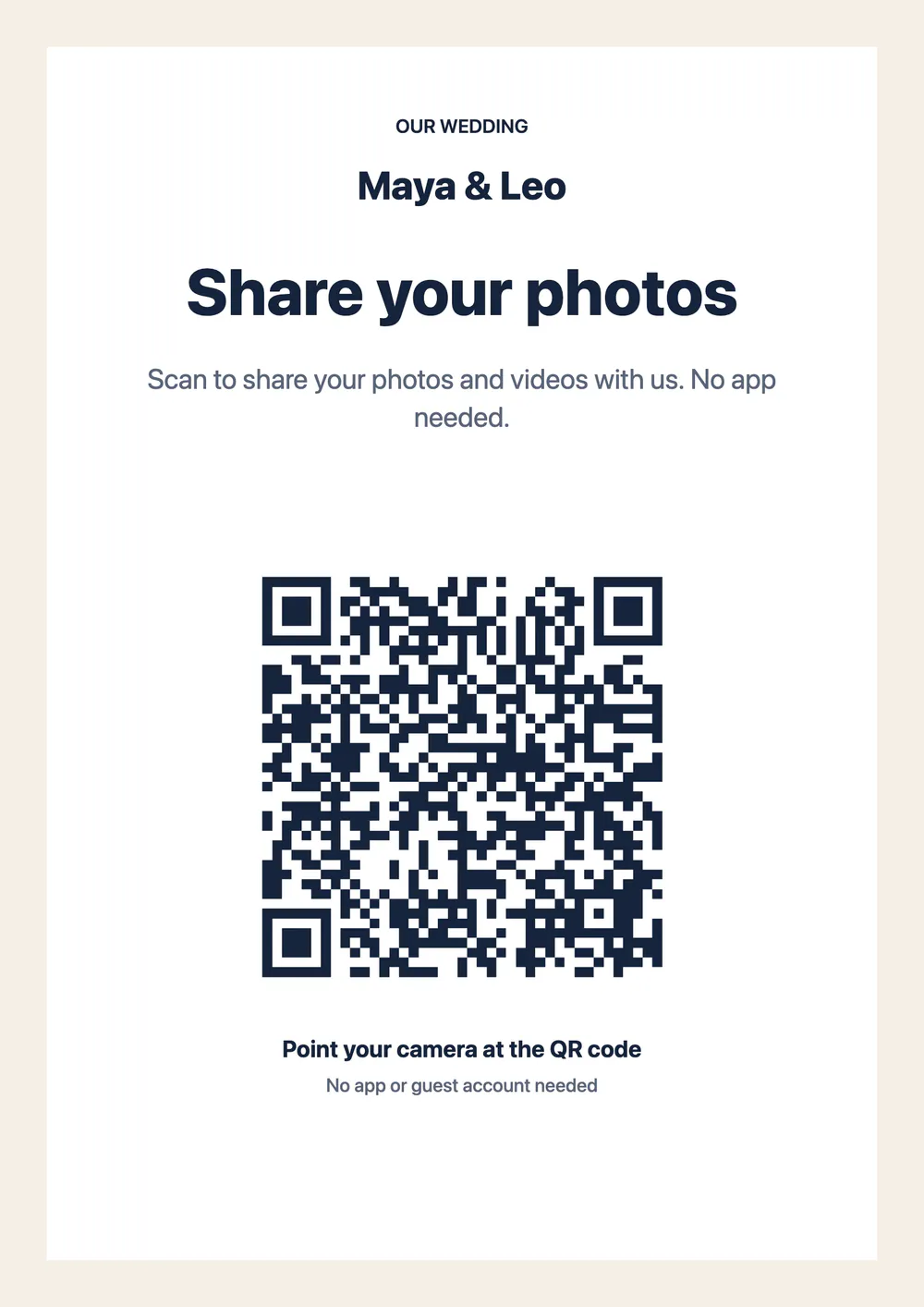
Create a free Candid Cam wedding album. You get an upload link and a QR code at once.
Paste the upload link into a page of your wedding website, such as the schedule or the FAQ. Copy the wording from the guest instructions page.
Put the same code on signs and table cards, so guests reach one upload page from the venue and from the website. Make the sign with the free QR code sign template.
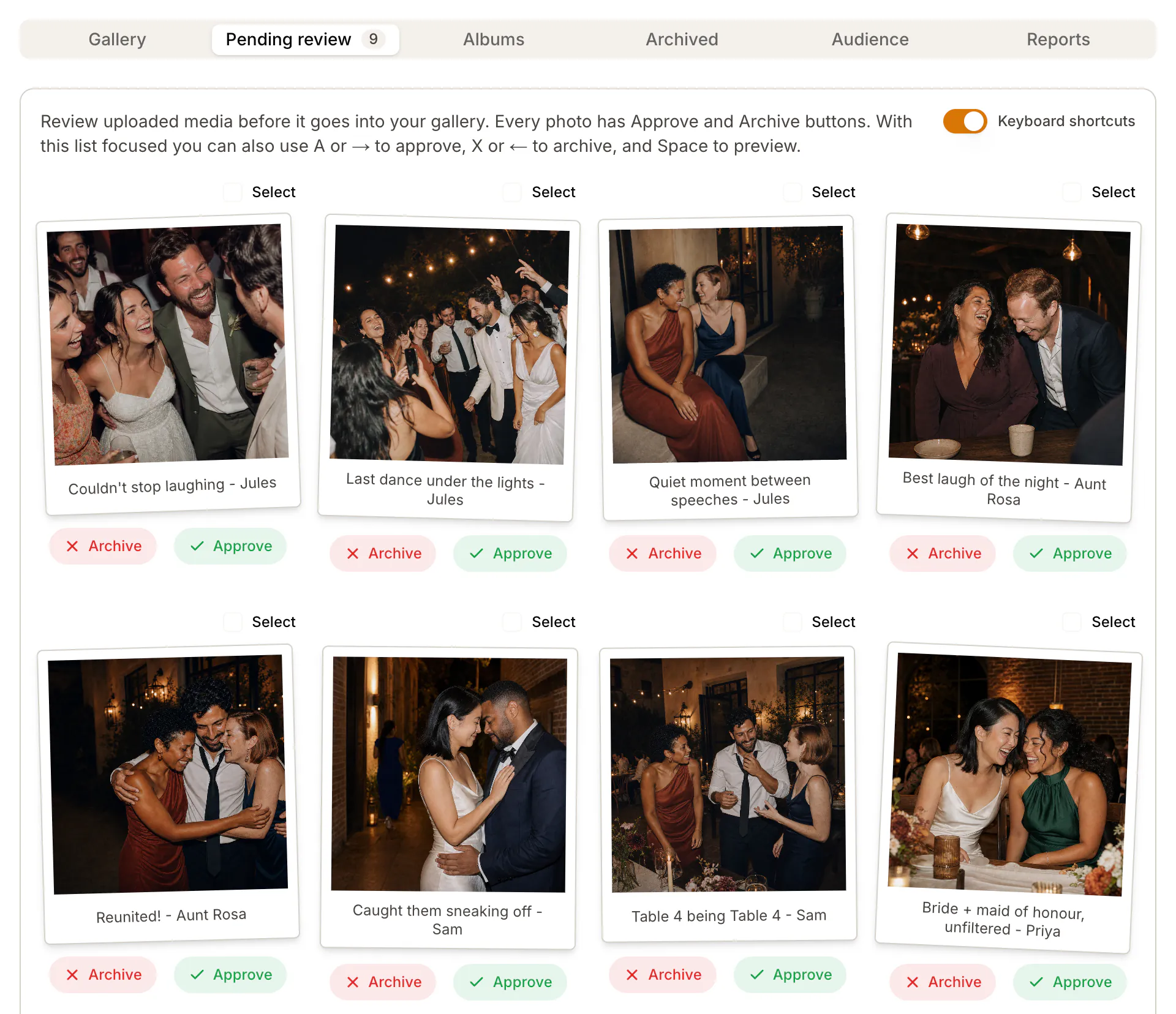
Every upload waits in your private review queue. You choose what goes into the shared album, then send one link to everyone.
A fair choice
Engagement photos and the story of how you met belong on your wedding website. Every platform above lets you add your own photos.
Zola’s Disposable Camera gives each guest a set number of live shots and lets you hide photos before the reveal.
Joy, WeddingWire and Appy Couple describe guest photo uploads in their own apps and albums.
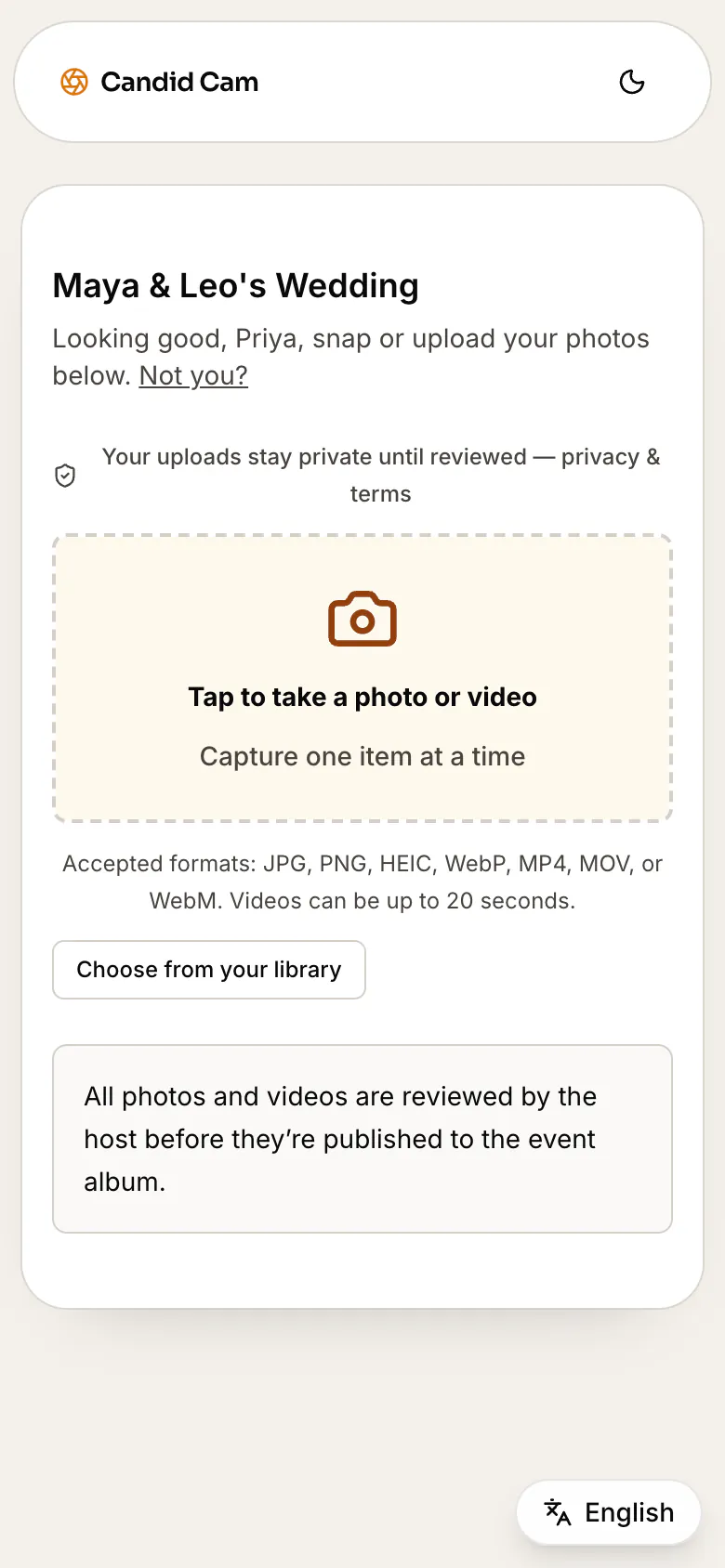
A dedicated upload takes photos and videos from guests’ camera rolls, needs no app, and keeps every upload private until you approve it.
Want the product itself? See how the wedding photo sharing app works for guests.
Wedding website platforms
Each guide puts one platform’s photo features next to a dedicated QR upload with private review.
It depends on the platform. Joy, WeddingWire and Appy Couple describe guest uploads, WedSites has a guestbook where guests can attach a photo, and Zola collects live shots in its Disposable Camera. You can also add a Candid Cam upload link to your wedding website.
For guest photos, look for uploads with no app, photos and videos, and a review before anything is shared. Candid Cam is free for your first 50 photos, with no card; videos need Social or Plus. It works next to the wedding website you already have.
The Knot’s wedding website photo albums hold photos that you upload. Its guide to QR codes for wedding pictures points couples to other sites and apps for guest photos.
No. Zola’s help says the Disposable Camera does not let guests upload photos from their device. They can only take photos live in the tool.
Create a free Candid Cam album, copy the upload link and paste it into a page of your wedding website. Put the same QR code on your signs, and send the link again the day after.
No. The link opens the upload page in the phone’s browser. Guests upload photos and videos with no app and no account.
It takes a few minutes and costs nothing to start.