How do I make a QR code for wedding pictures?
Create a free Candid Cam wedding album and you get a QR code at once. Print it on a sign or table cards. Guests scan it with their phone camera and upload photos and videos in the browser.
Wedding photo QR code
Print one QR code. Guests scan it with their phone camera and upload photos and videos in the browser, with no app or account. Every upload waits in your private review queue until you approve it.
Free to start. No card.
US$35 per wedding when you need more photos or videos. You pay once.
Step by step
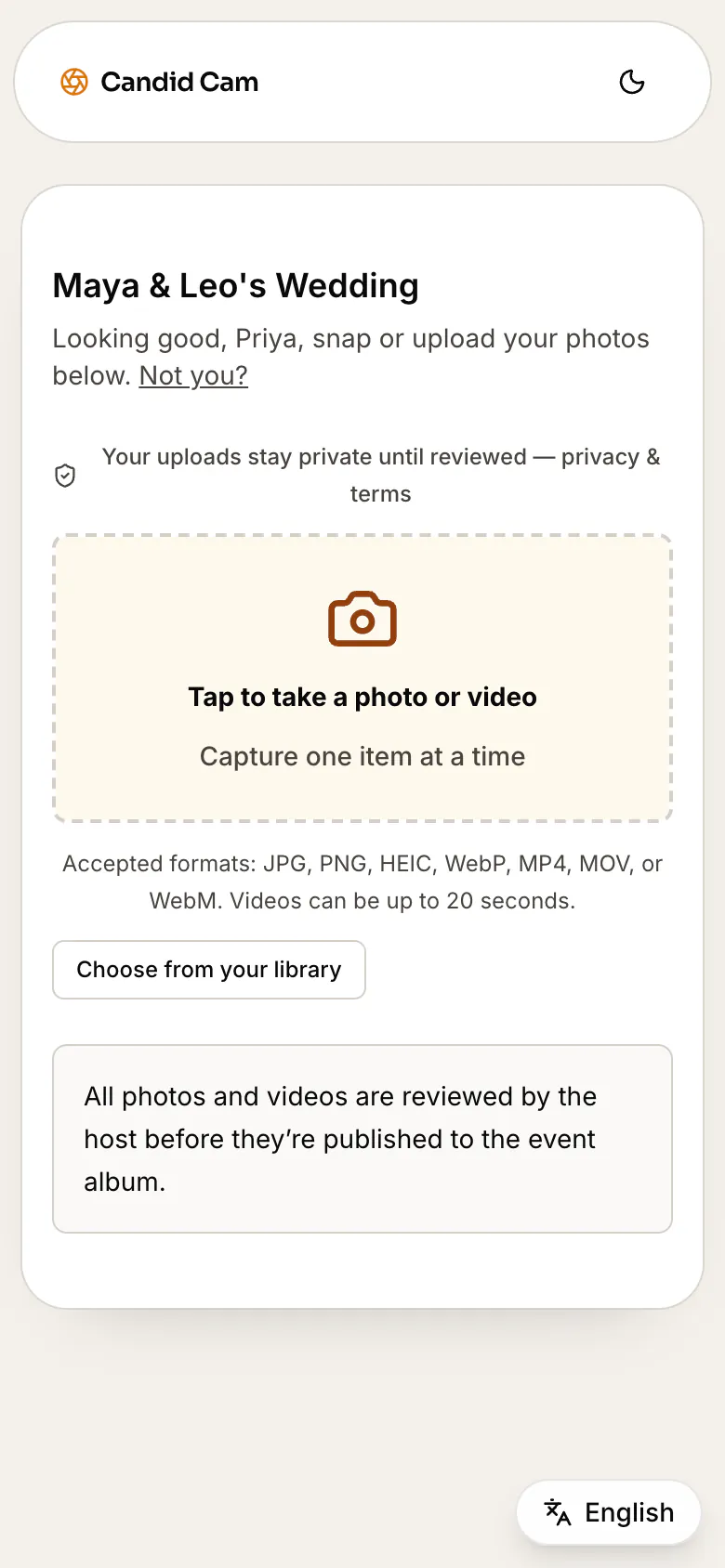
Add your names and the wedding date. Candid Cam makes the QR code for you. It is free to set up, and you need no card.
Put the same code on a welcome sign, table cards and menus. Make the sign with the free QR code sign template.
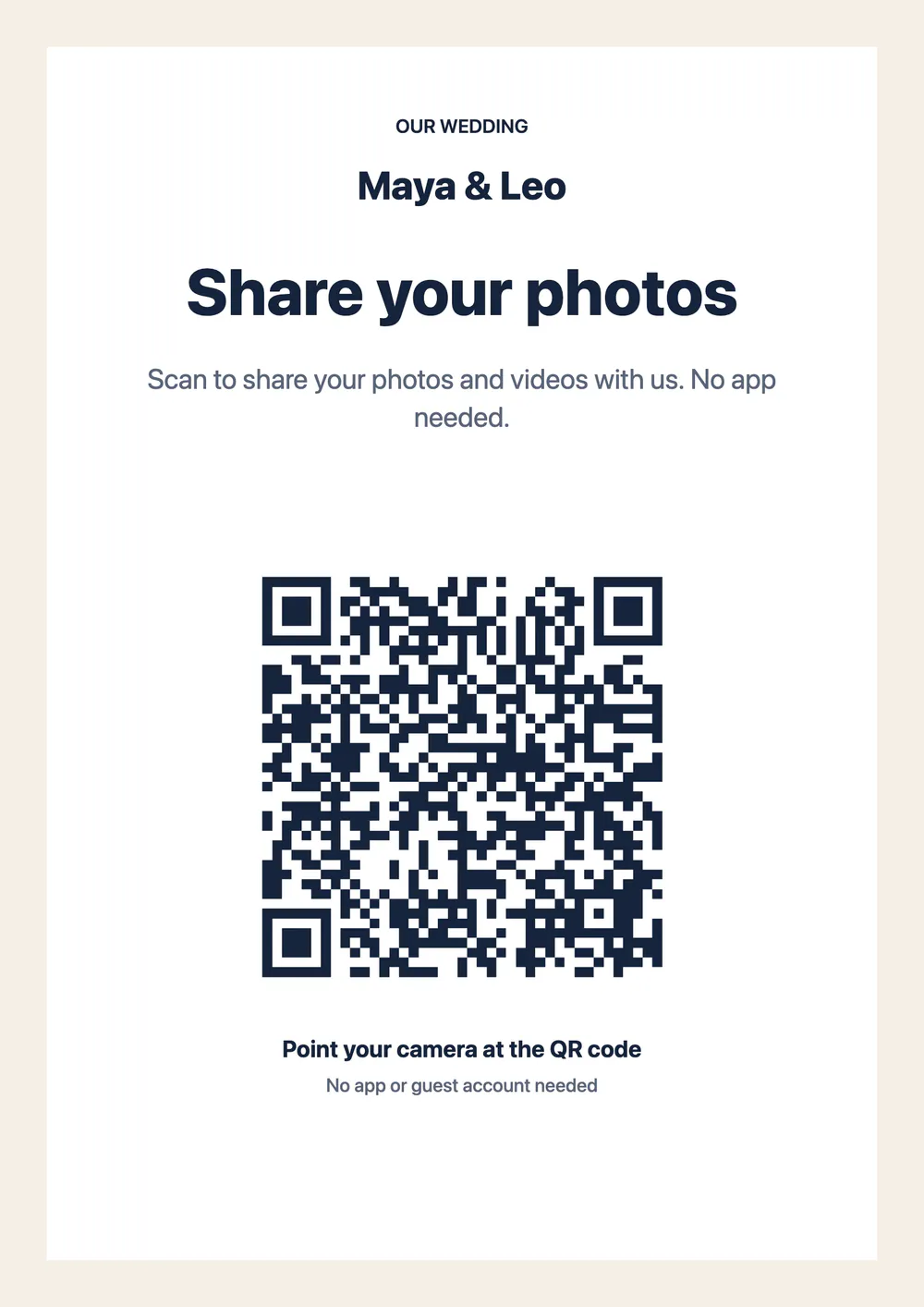
The code opens your upload page in the phone’s browser. Guests add photos and videos with no app and no account. They see a privacy and consent notice before they upload.
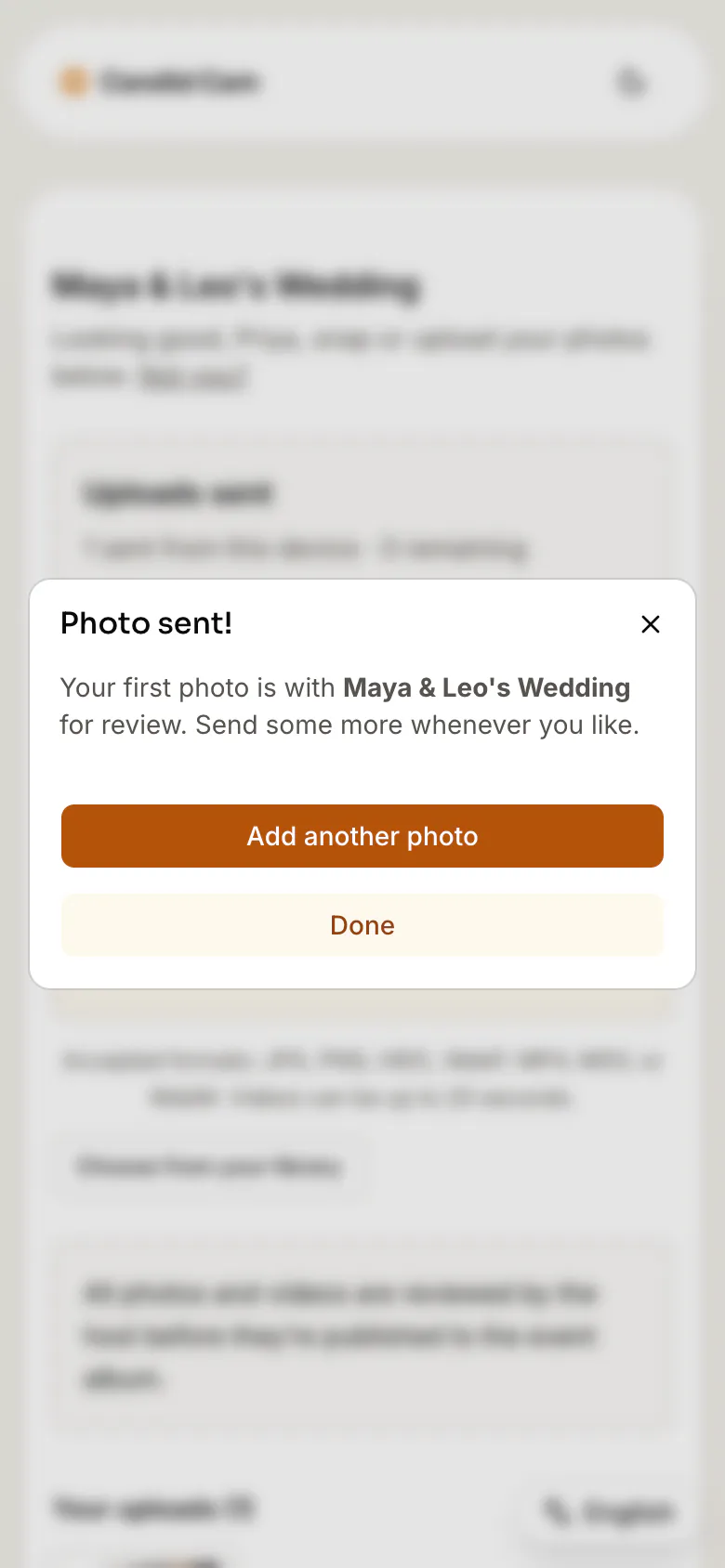
Every upload waits in your private review queue. You choose what goes into the shared album, then send one link to everyone.
Placement
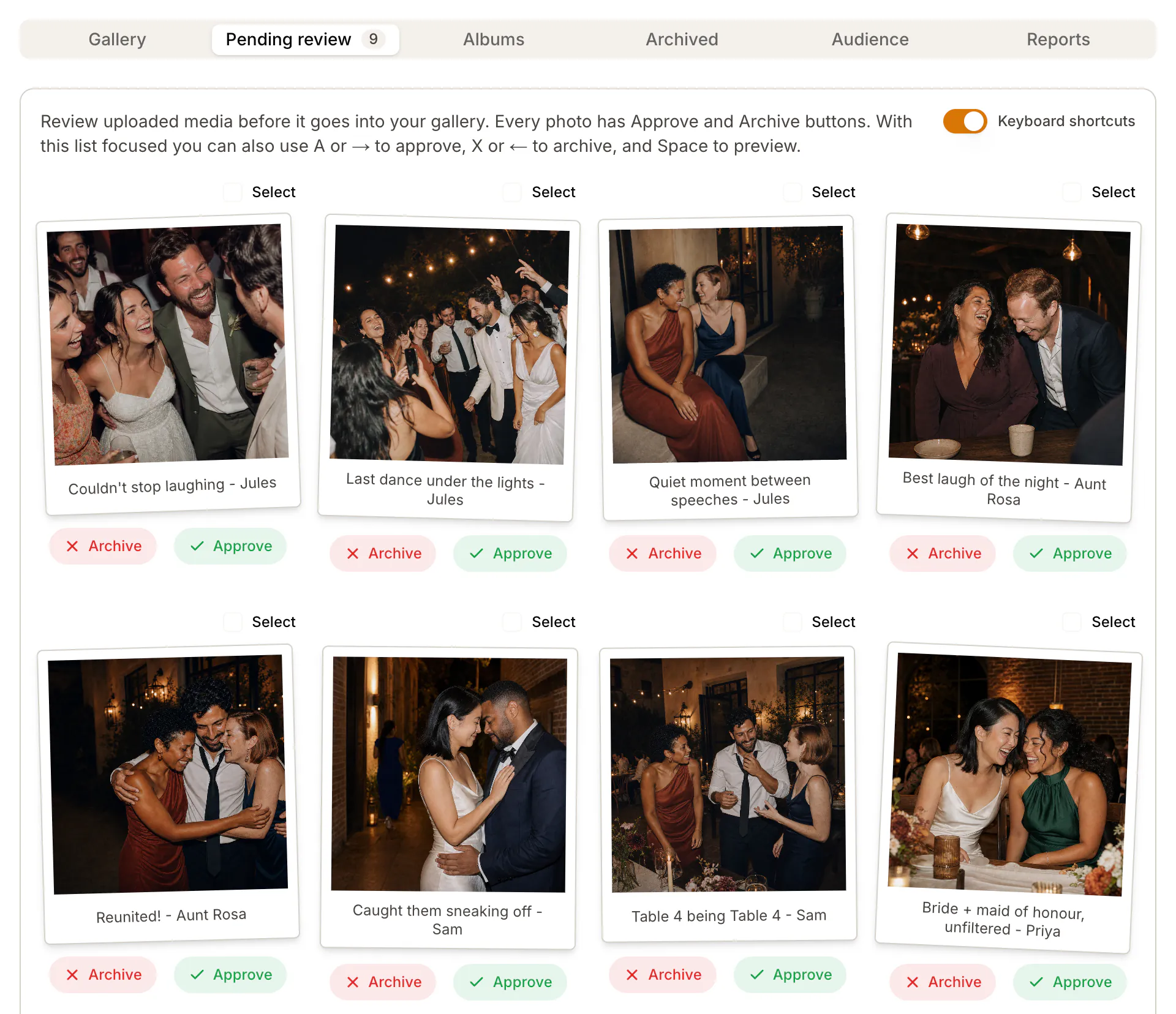
Put the code where guests stop and wait, and use the same code everywhere. Copy the sign wording and day-after text from the guest instructions page.
Cost
The QR code and the sign are free. You pay only when you need more photos or videos, once per wedding. Prices are in US dollars; checkout shows your local currency.
| Plan | Price per wedding | Uploads (photos and videos) | Of which videos | Album kept |
|---|---|---|---|---|
| Free | US$0 | 50 | 0 | 30 days after the wedding |
| Social | US$35 | 200 | 60 | Until you delete them |
| Plus | US$69 | 500 | 150 | Until you delete them |
See the full pricing, or compare it with disposable cameras in the cost calculator.
Compared
Group chat
Every photo goes to everyone in the chat at once, compressed.
Shared drive link
Anyone with the link sees every upload as soon as it lands.
Wedding hashtag
Photos mix with strangers’ posts and stay public. Guests who do not post are missed.
Candid Cam QR code
Uploads stay private until you approve them. Then one link shares the album.
Thinking of Google Photos? See the Google Photos QR code comparison, or how the wedding photo sharing app works for guests.
The FBI has warned that criminals put fake QR codes over real ones to send people to pages that ask for logins or payment details. A wedding photo QR code should never ask for those. Read the FBI notice.
Create a free Candid Cam wedding album and you get a QR code at once. Print it on a sign or table cards. Guests scan it with their phone camera and upload photos and videos in the browser.
No. The QR code opens a page in the phone’s browser. Guests upload photos and videos with no app and no account.
Free covers your first 50 photos, with no videos and no card. Social is US$35 per wedding for 200 uploads, up to 60 of them videos. Plus is US$69 for 500 uploads, up to 150 of them videos. You pay once; there is no subscription.
Yes, if guests can upload in a few seconds. Most guest photos stay in camera rolls and group chats. One QR code on every table brings them into one album that you control.
Not before you approve them. Uploads wait in your private review queue. Guests see only the photos and videos that you put in the shared album.
Free galleries expire 30 days after the wedding ends. Paid albums stay until you choose to delete them, and you can download the photos and videos.
It takes a few minutes and costs nothing to start.