The same A-to-Z order as the table. The numbers are for reference, not a ranking.
1. Candid Cam
Best for approving every photo before guests see it
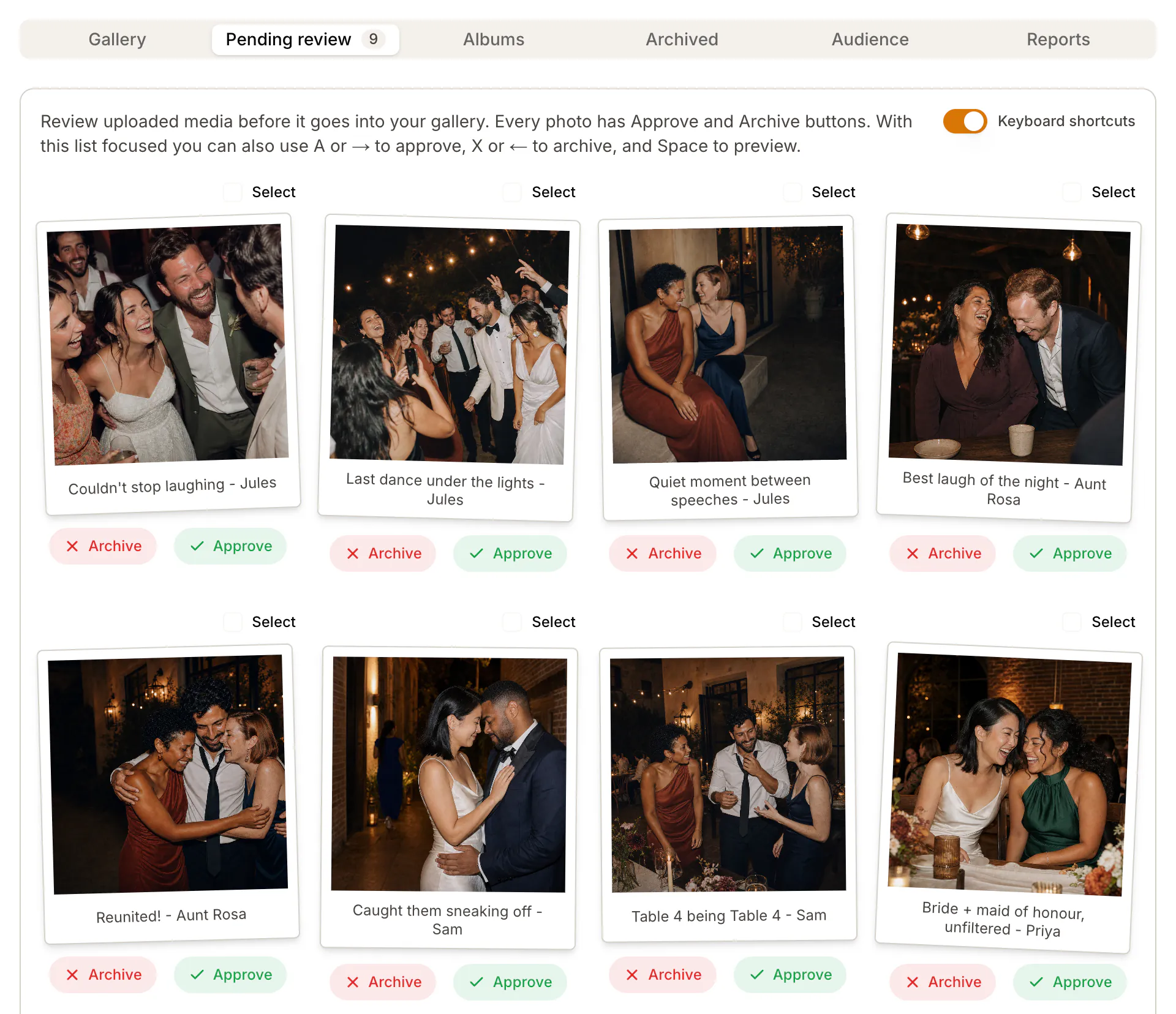
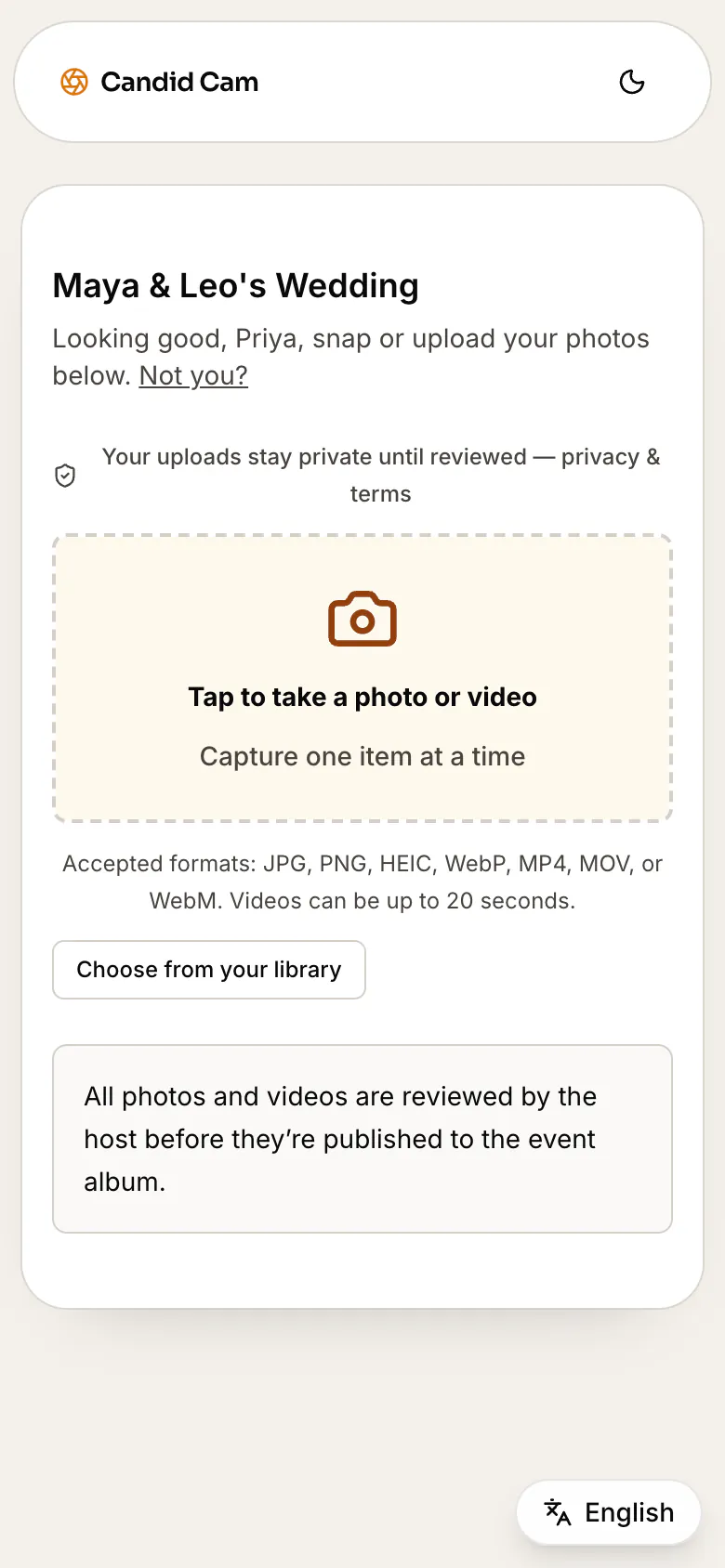
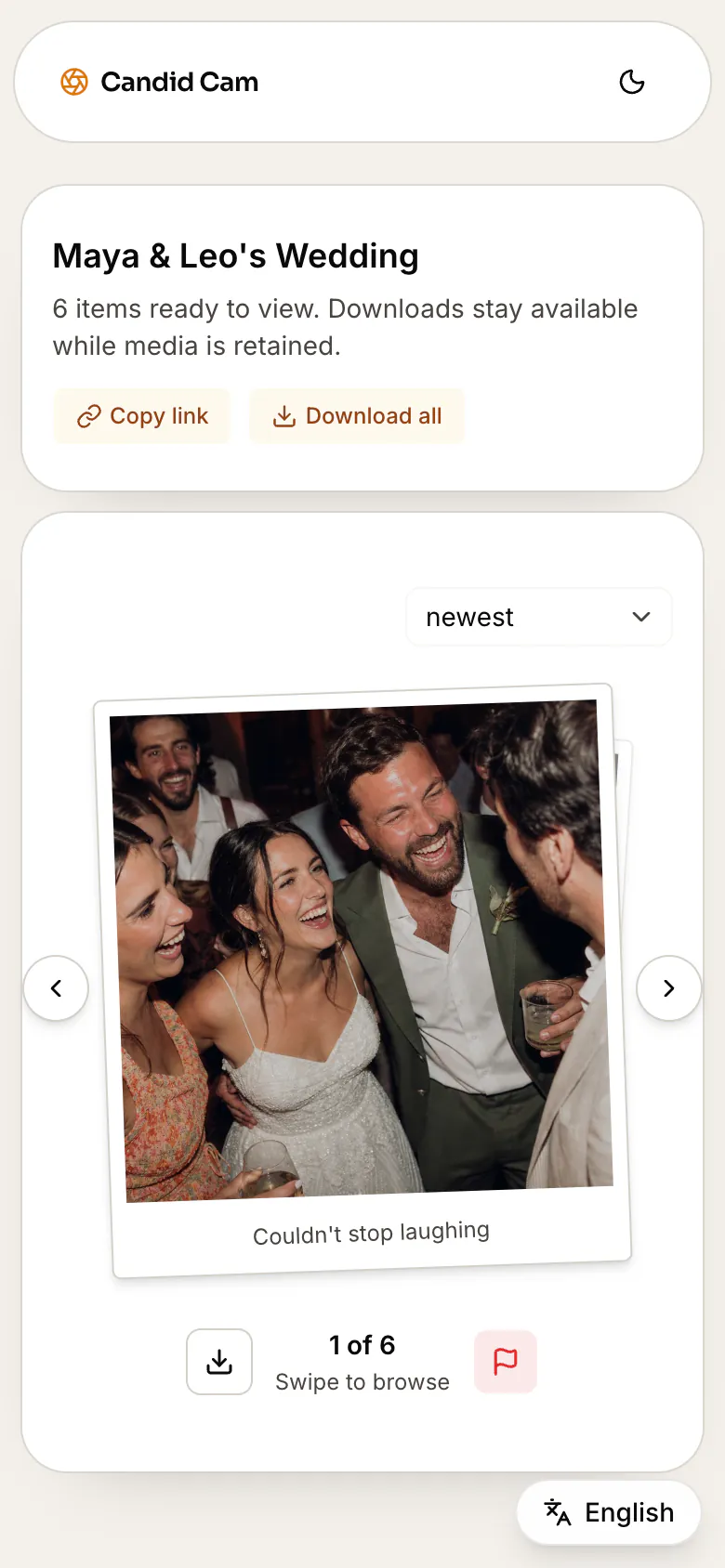
Guests scan one QR code and upload photos and videos in the phone browser, with no app or account. Every upload waits in your private review queue. Guests see only the photos you approve, and you share the album with one link.
Keep in mind: Candid Cam is our product. Plus stops at 500 uploads, up to 150 of them videos, and each guest video is up to 20 seconds. If you want unlimited uploads or a guestbook, GuestCam, GuestPix and Wedibox list those.
Free covers your first 50 photos, with no videos. Social is US$35 per wedding for 200 uploads, up to 60 of them videos. Plus is US$69 for 500 uploads, up to 150 of them videos. You pay once per wedding.
Prices are in US dollars; checkout shows your local currency.
See how the wedding photo sharing app works for guests, or the full pricing.
2. Dropbox file request (DIY)
Best for a free, private drop box for files
A file request gives you a link where anyone can upload files into a folder in your Dropbox, even without a Dropbox account. The folder is private by default, and Dropbox Basic is free.
Keep in mind: every upload uses your Dropbox storage, and Basic has 2 GB. Guests get no shared album to browse unless you share the folder.
3. Fotify
Best for RSVPs, seating and a live photo carousel in one tool
Fotify combines guest photo sharing with RSVPs, seating and a live photo carousel. Guests upload in the browser, and you choose whether to approve photos first or remove them after they appear. Premium Event adds unlimited video clips of up to 30 seconds and 100 videos of up to 5 minutes.
Keep in mind: the Free Event keeps uploads and the gallery open for 7 days. Fotify showed us Australian-dollar prices, so check the price for your country on its pricing page.
4. Google Photos shared album (DIY)
Best for families who already use Google Photos
A shared album is free with a Google Account, takes photos and videos, and its link can be shared as a QR code.
Keep in mind: anyone with access can view the album and add to it, and you cannot stop one person from adding without stopping everyone. Storage counts against your Google Account’s 15 GB, which Gmail and Drive share.
5. GuestCam
Best for a long upload window and an audio guestbook
GuestCam Standard is US$49 per event, a sale price (regular US$55), with unlimited guests, photos and videos, a 6-month upload window and 12 months of storage. It includes an audio guestbook and a live slideshow, and guests need no app.
Keep in mind: content moderation is optional, so you turn it on to review uploads before other guests see them. GuestCam says it has no free plan. Premium is US$97, also a sale price (regular US$110).
6. GuestPix
Best for a hosted gallery with a written and video guestbook
GuestPix Classic is US$49, paid once, for unlimited photos and videos (fair use), a 3-month upload window, 12 months of hosting, a slideshow and a written and video guestbook. Signature is US$89 for 12 months of uploads and hosting.
Keep in mind: content moderation is optional. The free plan takes 50 photos and no videos, with a 30-day upload window.
7. Kululu
Best for a live photo wall at the reception
Every Kululu plan includes a digital album and a real-time slideshow. Plus is US$39 for up to 500 photo and video uploads, with a 1-month upload window and storage for 3 months. Pro is US$99 for unlimited uploads, a 3-month window and a year of storage.
Keep in mind: approving uploads before they appear is a Pro feature. The free plan allows 100 uploads within 24 hours and keeps them for 7 days.
8. Lense
Best for a disposable-camera feel
Lense turns guests’ phones into digital disposable cameras, with up to 25 shots per guest unless you add unlimited captures, and a delayed reveal if you want one. You can review and delete captures before the reveal, and the album stays for 12 months.
Keep in mind: video is an add-on, with clips of up to 1 minute. Lense is free for up to 7 guests and prices larger events by guest count; its pricing page showed us Australian dollars.
9. POV
Best for a disposable camera that guests open without an app
POV gives each guest a disposable camera on their phone. iPhone guests join through an App Clip and Android guests through the web, so nobody downloads an app. A wedding of up to 100 guests is US$34.99, and events of up to 10 guests are free.
Keep in mind: for a personal event, you set it up in the POV app. A live slideshow comes in an add-on priced by guest count, for example US$20 for 100 guests. You can review and delete guest photos at any time.
10. Wedding Photo Swap
Best for photo challenges and a photo book
Gold is US$33.99 for unlimited guest photos, photo challenges and a full-gallery download, kept for 6 months. Platinum is US$53.99, adds guest videos and keeps the album for 12 months. Guests use the browser; the apps are optional.
Keep in mind: photo approval is optional; turn it on to keep new uploads hidden until you approve them. The free plan is for setting up and testing, with 50MB of photo uploads.
11. Wedibox
Best for one QR code for photos, a website and RSVPs
Wedibox Wedding is US$49 with unlimited guest uploads, a wedding website, an audio guestbook, a live slideshow, a 6-month upload window and a year of storage. All-In-One is US$79 and adds RSVPs and a seating chart.
Keep in mind: to check photos before guests see them, you hide the live feed so that only you can browse the gallery. The free plan takes 50 guest photos.
12. WedUploader
Best for original files in your own Google Drive
Guests upload photos and videos in the browser, and the files go straight to your Google Drive in original quality. Premium is US$49, paid once for all your albums, and adds a gallery where you pick what to display, plus a slideshow photo wall.
Keep in mind: WedUploader lists no expiration date, but the files use your Google Drive storage, and Google gives 15 GB free.