One QR code for every guest photo
Every guest’s wedding photos. One private album.
Guests scan, upload, and get back to the wedding. No app or account needed. You choose what appears in the shared album.
50 photos free · No card required
Free includes 50 photos and no videos. Social starts at $35 (USD) for 200 uploads, up to 60 of them videos.
The whole flow in ten seconds
Guests scan your QR code, upload from their phones, and you choose what gets shared.
Your event
Guest upload


No app or account needed
Private review
Guest upload · just now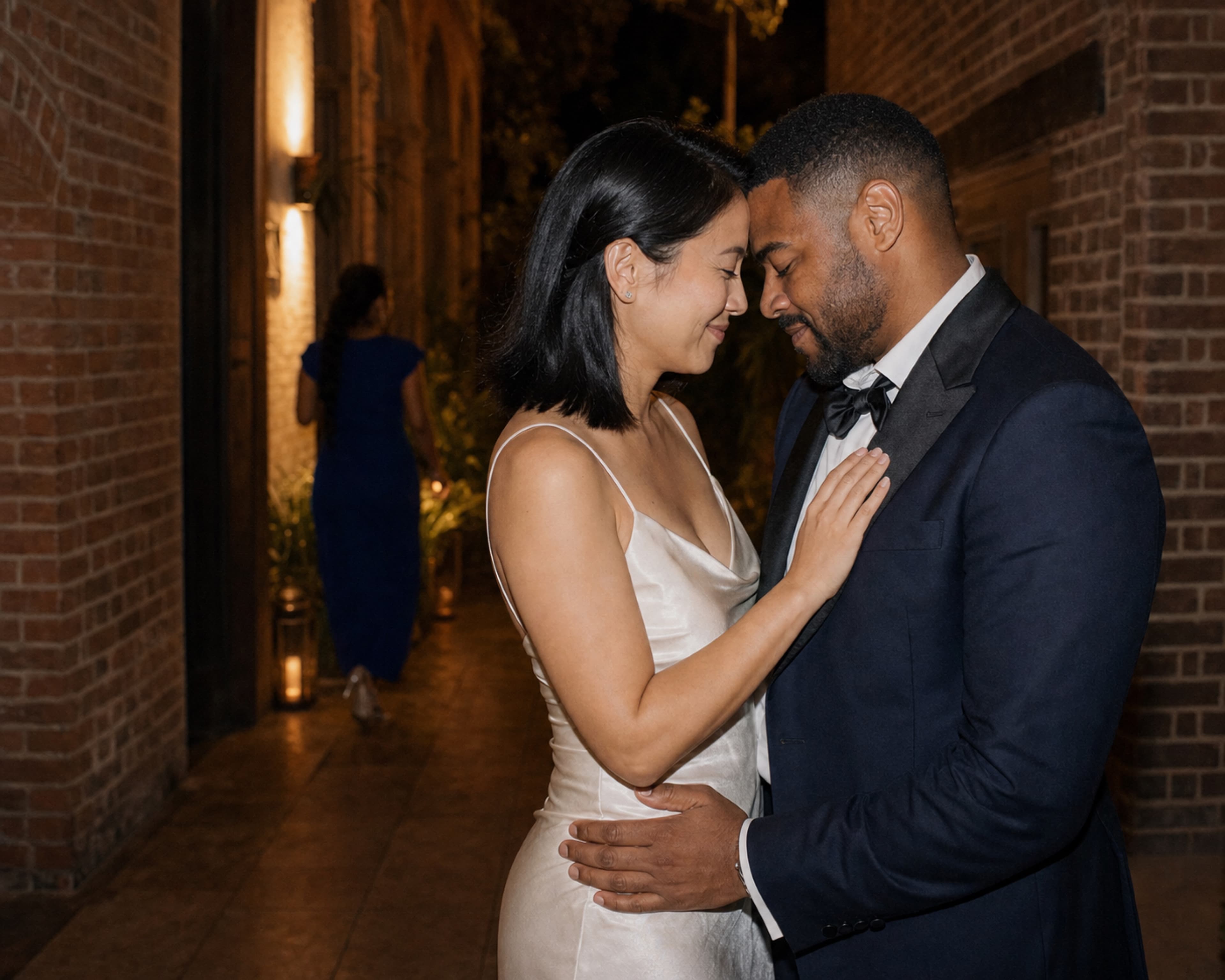
Event album
Approved moments


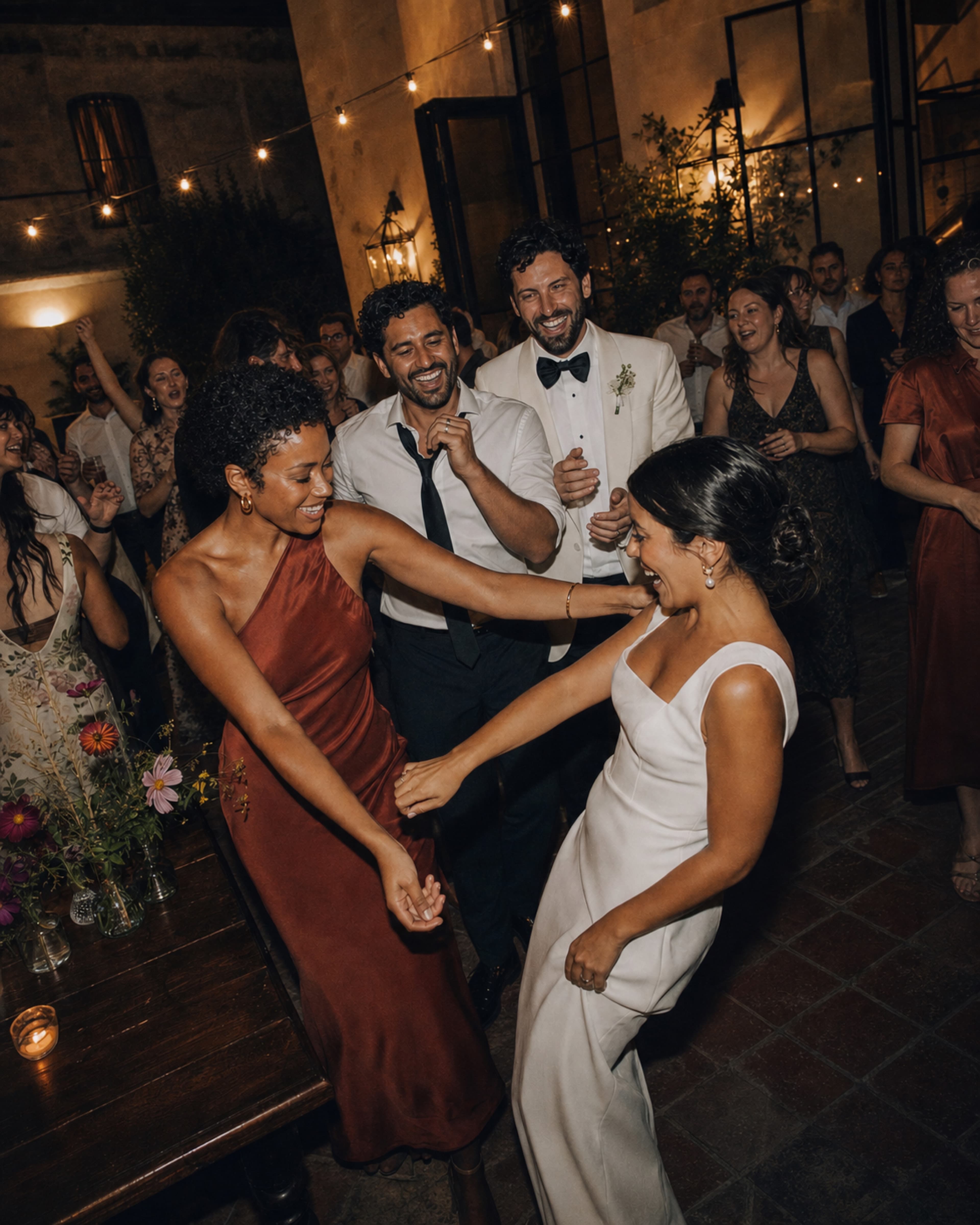

Only photos you approve appear here.
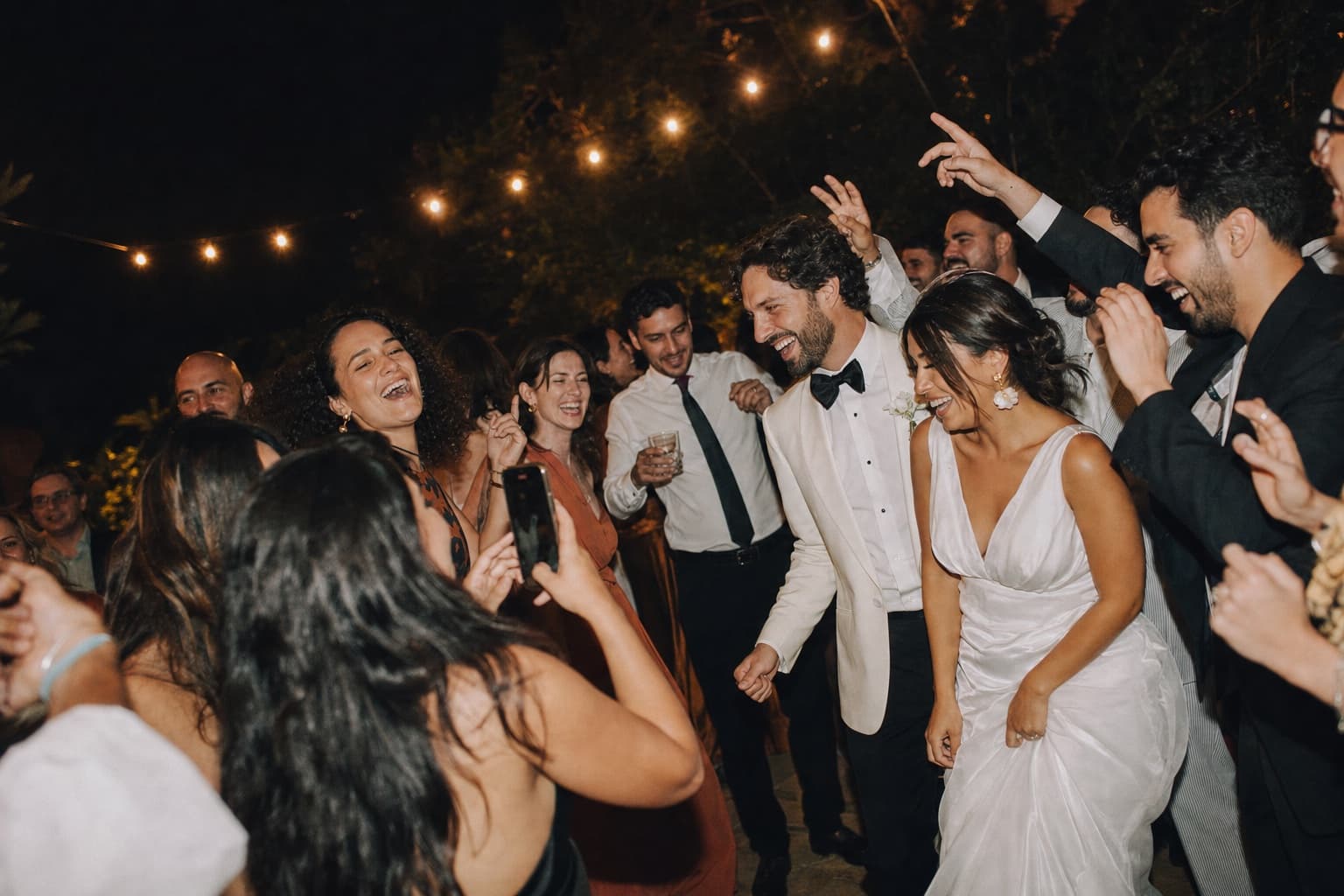
A whole other side of the night.
Guest momentsWhat you missed
Your photographer captures the story. Your guests catch everything happening around it.
The table laughs, the dance-floor chaos, the quiet minute outside. Candid Cam gives all of those moments one place to land.

From setup to album
Three steps to your wedding album.
Test the guest experience before you invite everyone.
Create my free album- 01
Create your free album
Name your wedding, set the dates, and publish when you are ready. Free includes 50 photos.
- 02
Share your QR code
Download your free QR code/sign file to print or display. Guests scan and upload from their browser. No app or account needed.
- 03
Collect, approve and share
Guest uploads wait in your private review queue. Choose what appears, then share the album with everyone.
Free or paid. Your choice.
Start free. Upgrade for more photos or video.
Free: 50 photos, no videos, and a gallery available until 30 days after your wedding. Social: 200 uploads, up to 60 of them videos, with media kept until you delete it.

Scan. Upload. Back to the wedding.
Private first
Easy for guests does not mean public by default.
Guests upload photos and videos in their browser. No app or account.
Every upload waits in your private review queue until you approve it.
Guests see a privacy and consent notice before they upload.
Free galleries expire 30 days after the wedding ends. Paid event media stays until you choose to delete it.
Disposable camera alternative
Keep the guest perspective. Lose the expensive admin.
Disposable cameras are charming, but they add buying, collecting, developing, and scanning. Candid Cam keeps the spontaneous guest point of view while giving you digital files, private moderation, and one shareable album.
No disposable cameras to buy, collect, develop, or scan.
No group-chat compression or lost messages.
No public hashtag mixed with unrelated posts.
No guest app download during the reception.
Still comparing options? Read the disposable camera alternative guide, compare a POV camera alternative, or estimate your disposable camera wedding cost.
Wedding album FAQ
Everything you need to know before you start.
What can we do for free?
Create and publish a wedding album, share your QR code, and collect up to 50 photos. No card required. Free does not include video, and the gallery expires 30 days after the wedding ends.
Do guests need an app or account?
No. Guests scan your QR code with their phone camera and upload through their browser. Paid plans also allow video uploads.
Can we review photos before guests see them?
Yes. Uploads wait in your private review queue. You choose which photos and videos appear in the shared album.
Do you send us a printed QR sign?
You get a free QR code/sign file to download. You choose how and where to print or display it at the wedding.
When would we need to pay?
Only if you choose a paid plan for more photos or video. Paid plans are a one-time payment per event, with no subscription. You can publish on Free without paying.
How long can we keep our photos?
Free galleries expire 30 days after the wedding ends. We email you 7 days and 1 day before expiry with a download link that requires you to sign in. Paid event media stays until you choose to delete it.
The moments between the moments.
Bring home the moments only your guests could see.
Start the album now. Add the date, venue, and design when you are ready.
Compare apps and explore wedding guides
Before you decide
Compare the wedding photo apps couples shortlist against Candid Cam.
Upload windows, hosting clocks, and who reviews guest photos first vary far more than the feature lists suggest. These guides lay the differences out in full.
- Best wedding photo sharing apps, ranked Every QR upload and shared-album tool couples shortlist, scored on guest friction, privacy, and album handoff.
- Which wedding photo sharing app fits your day How apps, QR upload sites, and browser-first tools differ once real guests start uploading.
- Zola vs The Knot on guest photo sharing The Zola disposable camera shoots live only. The Knot has no guest upload at all.
- GuestCam vs GuestPix, priced side by side Same $49 entry price, different upload windows, hosting clocks, and paid extras.
- GuestPix vs WedUploader, hosted album or Drive folder Where each one puts your guest uploads, and who gets to review them first.
- WedUploader vs Wedibox on price and limits Free and uncapped with a $39 unlock, or $29 to $79 tiers where the price buys you months.
- Free wedding QR code sign template Printable sign wording and placement that gets guests scanning on the night.
Wedding photo planning
Start with the part of the guest photo plan you need to solve.
Choose a focused guide for app selection, QR setup, guest collection, comparisons, camera-style experiences, gallery sharing, or a non-wedding event.
- See Candid Cam event pricing
- Choose a wedding photo sharing app
- Set up a wedding photo QR code
- Wedding guest photo upload
- Wedding website photo sharing
- Plan guest photo collection
- Compare wedding photo sharing apps
- Compare disposable camera alternatives
- Compare gallery and file-sharing options
- Plan photo sharing for another event