Candid Cam

POV camera alternative

A POV camera alternative for wedding guest photos.

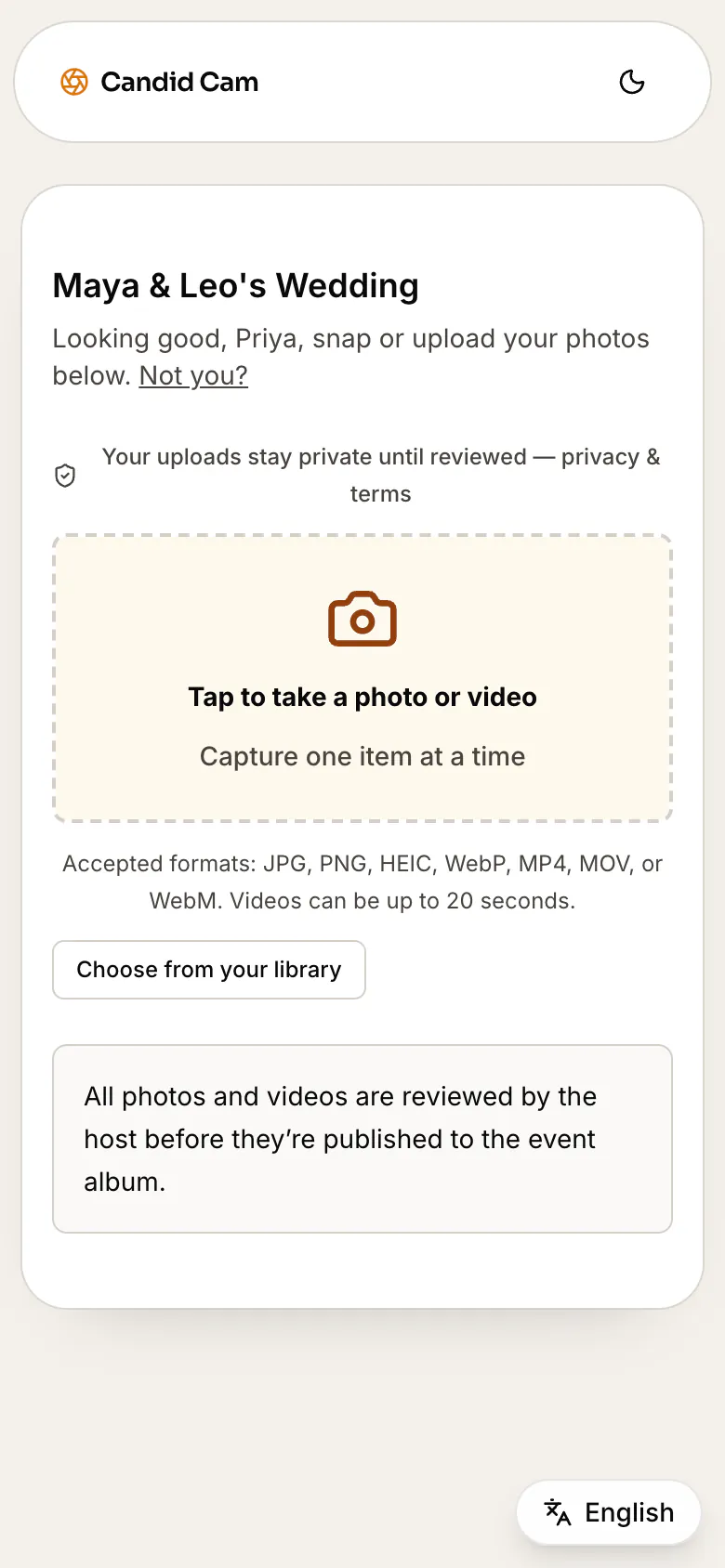
If you are comparing POV camera alternatives, decide whether you want a digital disposable-camera moment or the easiest way to collect every guest photo and video. Candid Cam keeps the guest point of view with one QR code, no app download, private review, and a final album handoff.

Free to set up. Activate the live guest QR when the wedding is ready.

Guest POV collection

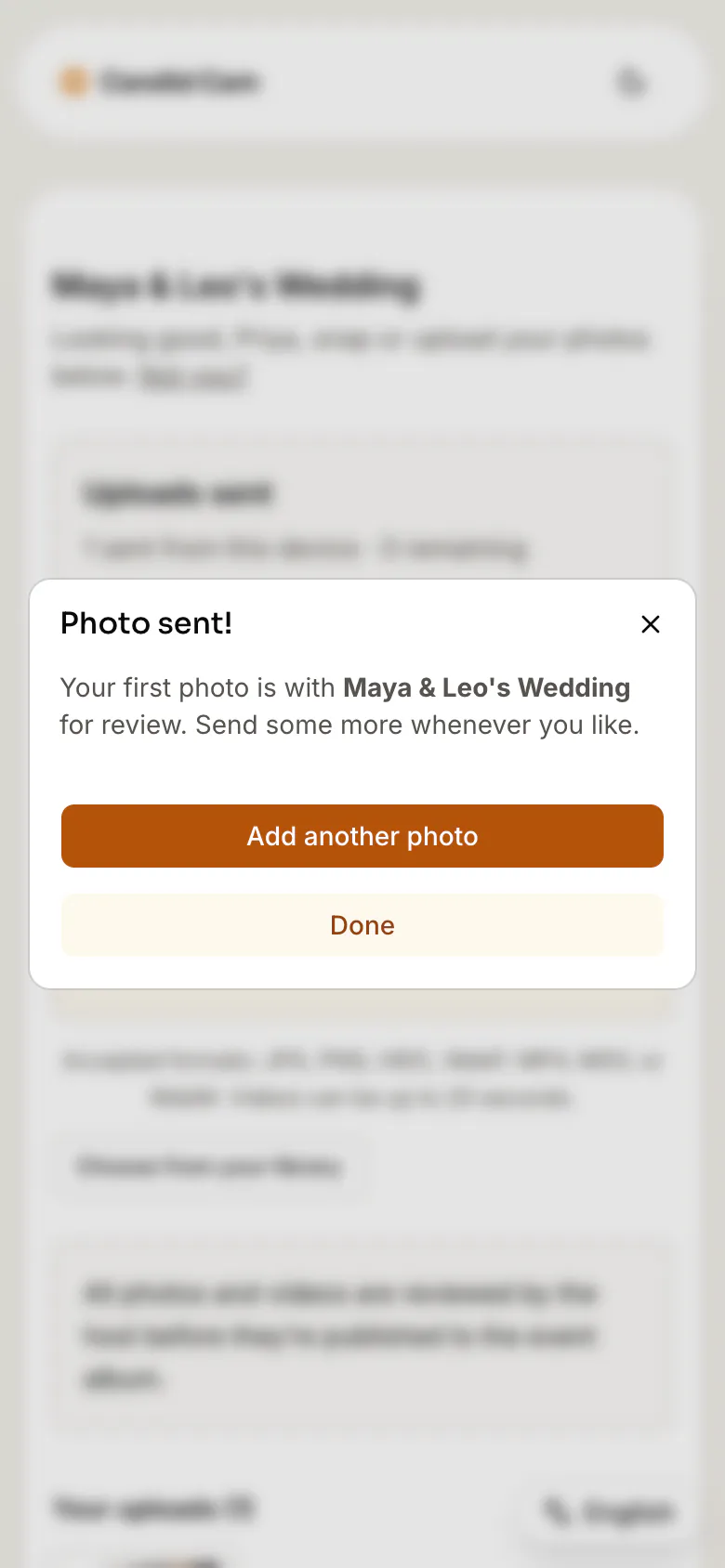
Scan, upload, review

Table selfie

Ready for the couple

Speech clip

Ready for the couple

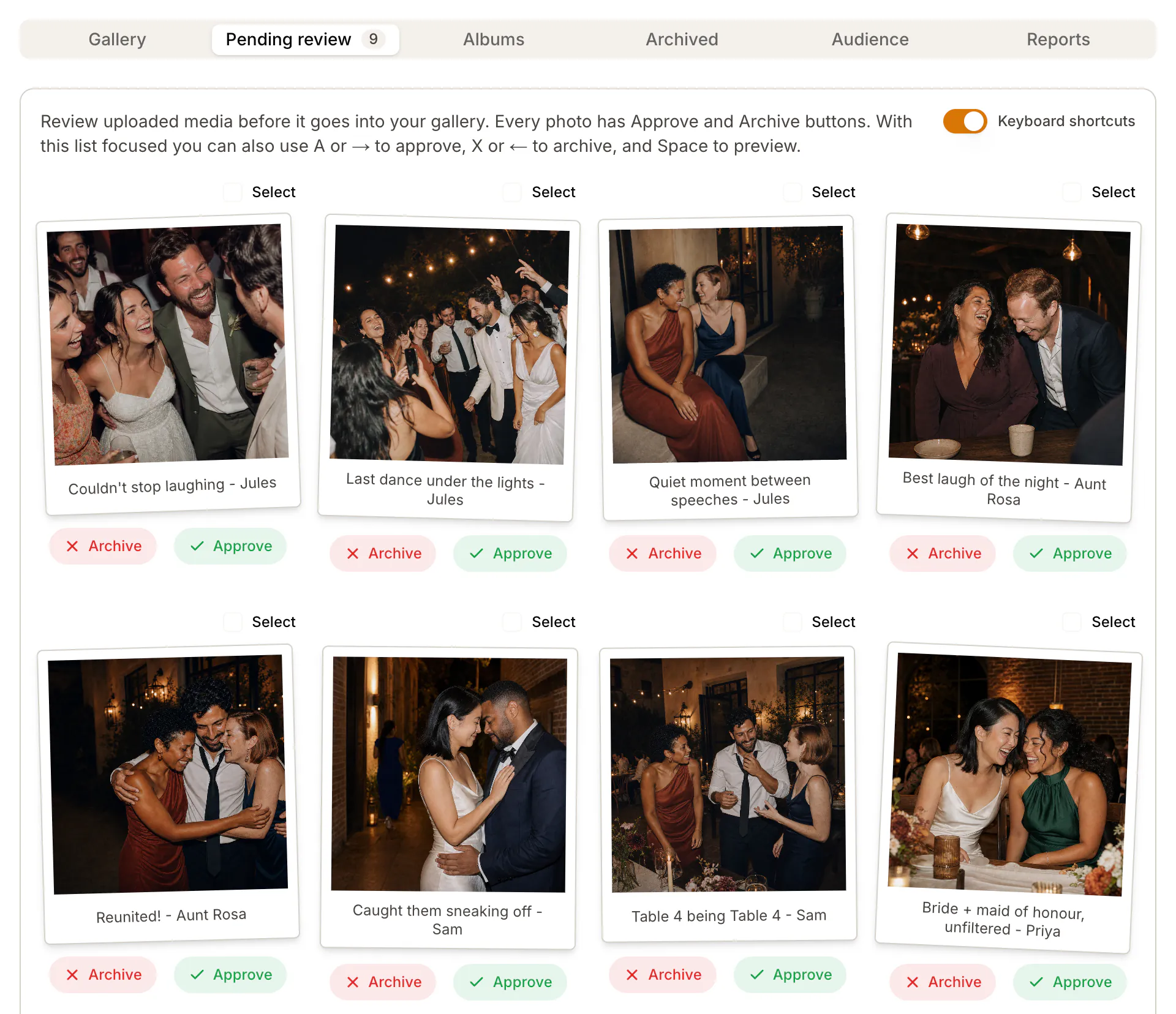
Private review

Ready for the couple

Keep the guest point of view, but let guests upload the moments they already captured.

Compare the flow

The best POV tool depends on what you want guests to do.

Search results for POV camera alternatives mix digital disposable-camera apps, Reddit comparisons, and wedding QR upload tools. Use this checklist to decide whether a camera-mode experience or a flexible no-app upload flow fits your wedding.

Guest entry point

POV comparison: Digital disposable camera apps often recreate the table-camera feeling with a scan or app-style capture flow.

Candid Cam: One QR code opens a browser upload page, so guests can share photos and videos from the camera roll they already have.

Photo style

POV comparison: A POV-style camera can be fun when the couple wants a disposable-camera aesthetic or limited-shot experience.

Candid Cam: Candid Cam is better when the goal is collecting the best guest photos and videos without locking guests into one camera mode.

Host review

POV comparison: Compare album visibility, moderation, download, and sharing settings before using any live guest feed.

Candid Cam: Uploads can stay private until the host approves what belongs in the final wedding album.

Buying fit

POV comparison: Worth comparing when you want a digital disposable-camera moment.

Candid Cam: Worth comparing when you want no-app uploads, private review, reminders, and a clean final album handoff.

No guest app download

Guests scan the wedding QR code and upload from the browser, even if they never heard about the tool before the reception.

Camera roll friendly

Guests can share the photos and videos they already took, not only moments captured inside a disposable-camera mode.

Private couple review

Keep the candid energy without making every guest upload instantly public.

After-wedding reminders

Send the same upload link after the wedding so late camera-roll photos still make it into the album.

Evaluation checklist

Questions to ask before choosing a digital wedding camera.

A POV camera comparison should separate the fun capture experience from the full album workflow couples need after the wedding.

Do guests need to download an app, create an account, or use a special camera mode?

Can guests upload existing camera-roll photos and videos after the reception?

Can the couple review uploads before sharing a final album?

Does the flow support QR signs, plain links, and day-after reminder messages?

Do you want a disposable-camera aesthetic or the widest possible guest photo collection?

Are pricing, upload limits, album access, downloads, and retention clear before the wedding?

POV camera alternative FAQ

Questions couples ask while comparing POV camera alternatives.

What is a POV camera alternative for weddings?

A POV camera alternative is another way to collect guest-shot wedding photos, usually through a QR code, browser upload page, shared album, or digital disposable-camera style app.

Is Candid Cam a digital disposable camera app?

Candid Cam is closer to a no-app wedding photo upload flow. Guests can upload photos and videos from their browser instead of being limited to a special disposable-camera capture mode.

Can guests upload photos they already took?

Yes. Guests can upload from their phone camera roll, which is useful after the ceremony, reception, or next-day reminder when they already have favorite shots.

Do guests need to download an app?

No. Candid Cam is designed for browser upload from a QR code or link, so guests do not need an app store visit or account.

Can couples review guest photos before sharing them?

Yes. Uploads can stay in a private queue so the couple chooses what appears in the final wedding album.

Collect the guest point of view without making guests install anything.

Candid Cam keeps the wedding upload path fast, private, and easy to explain on a QR sign or reminder text.

Start your wedding album