Candid Cam

Wedding guest photo upload

Wedding guest photo upload that works from any phone.

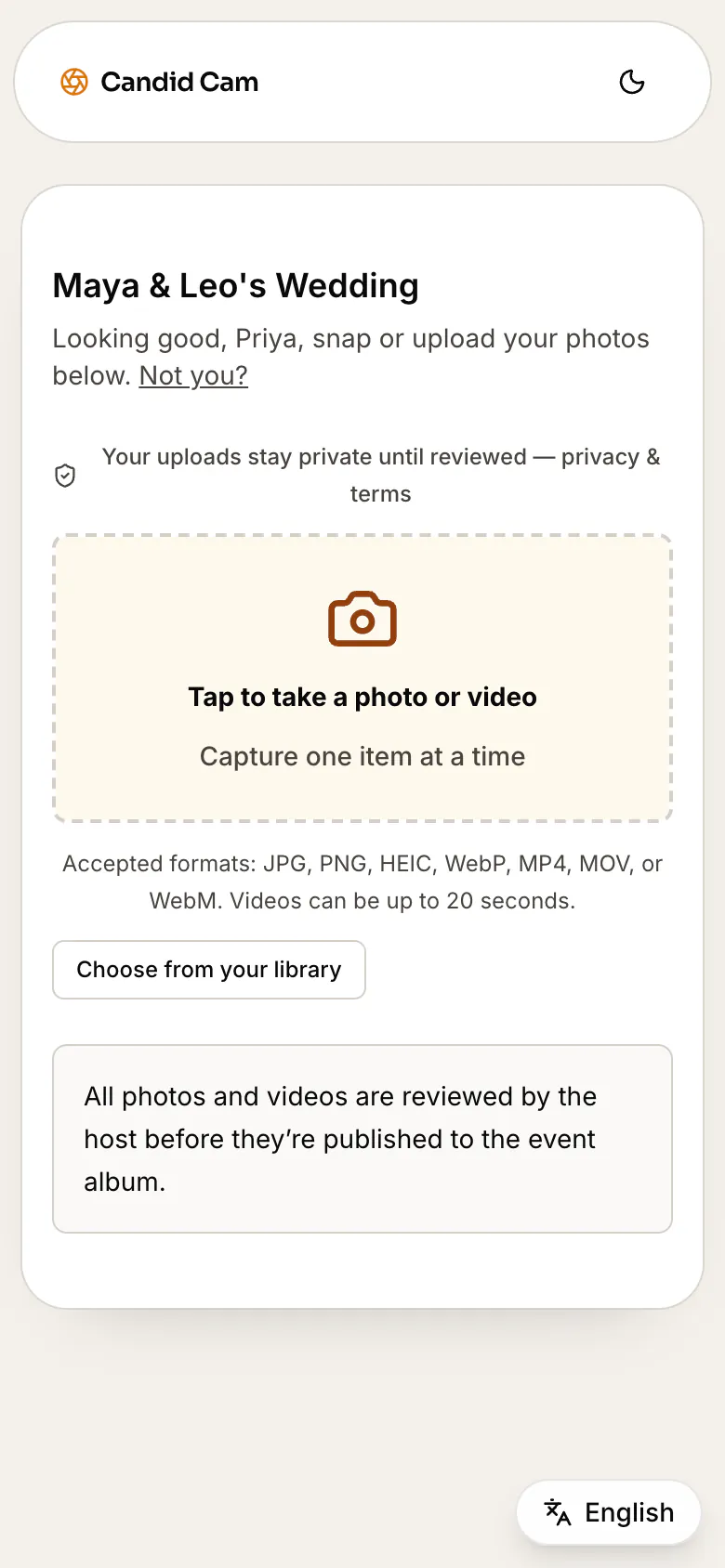
Candid Cam gives guests one upload page for wedding photos and videos. They scan a QR code or tap a link, upload from the browser, and send everything to a private review queue before the final album is shared.

Free to set up. Activate the live guest QR when the wedding is ready.

Planning the whole collection? Read the guest photo collection plan, launch the wedding photo sharing website, compare the wedding photo sharing app options, or copy the QR sign wording.

Guest upload

Send photos

Add photos

Add videos

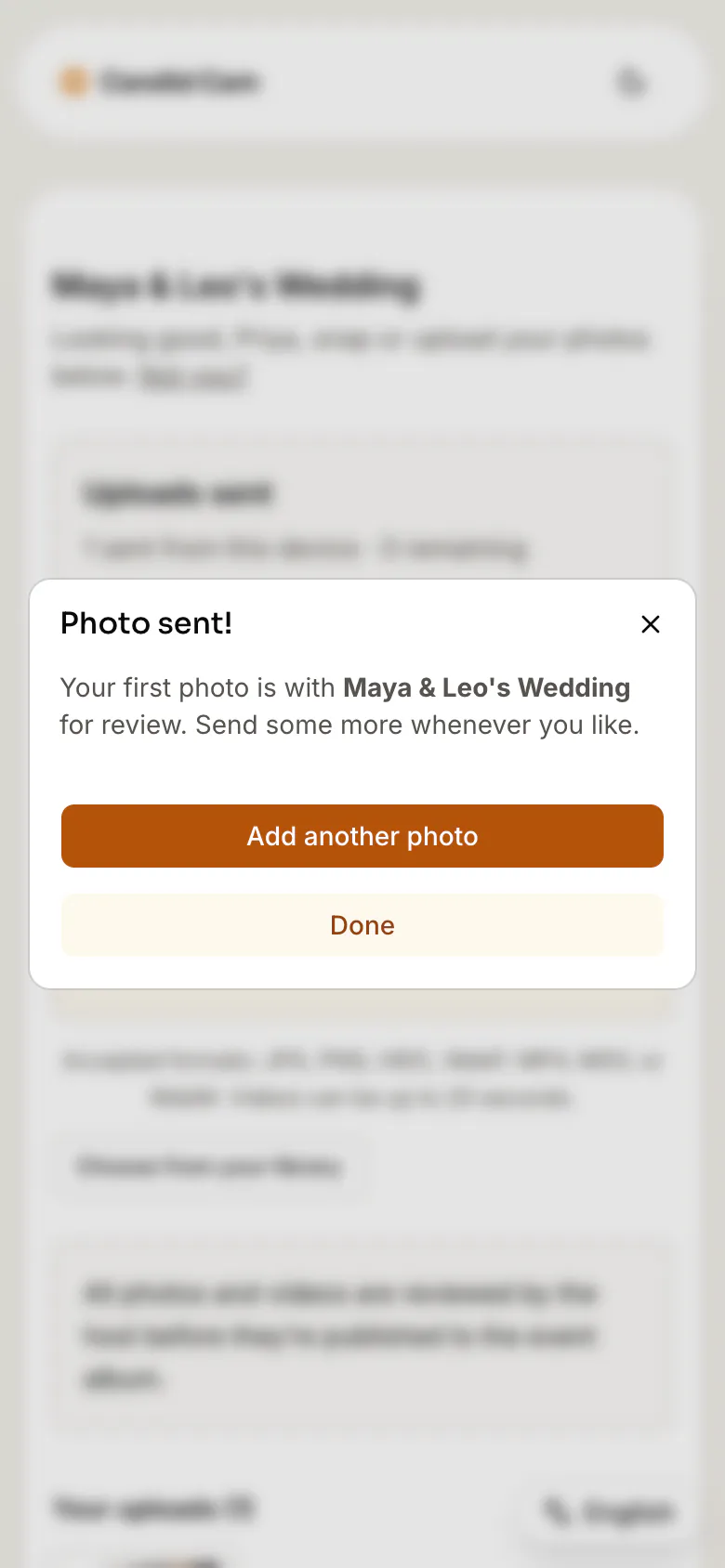
Sent for review

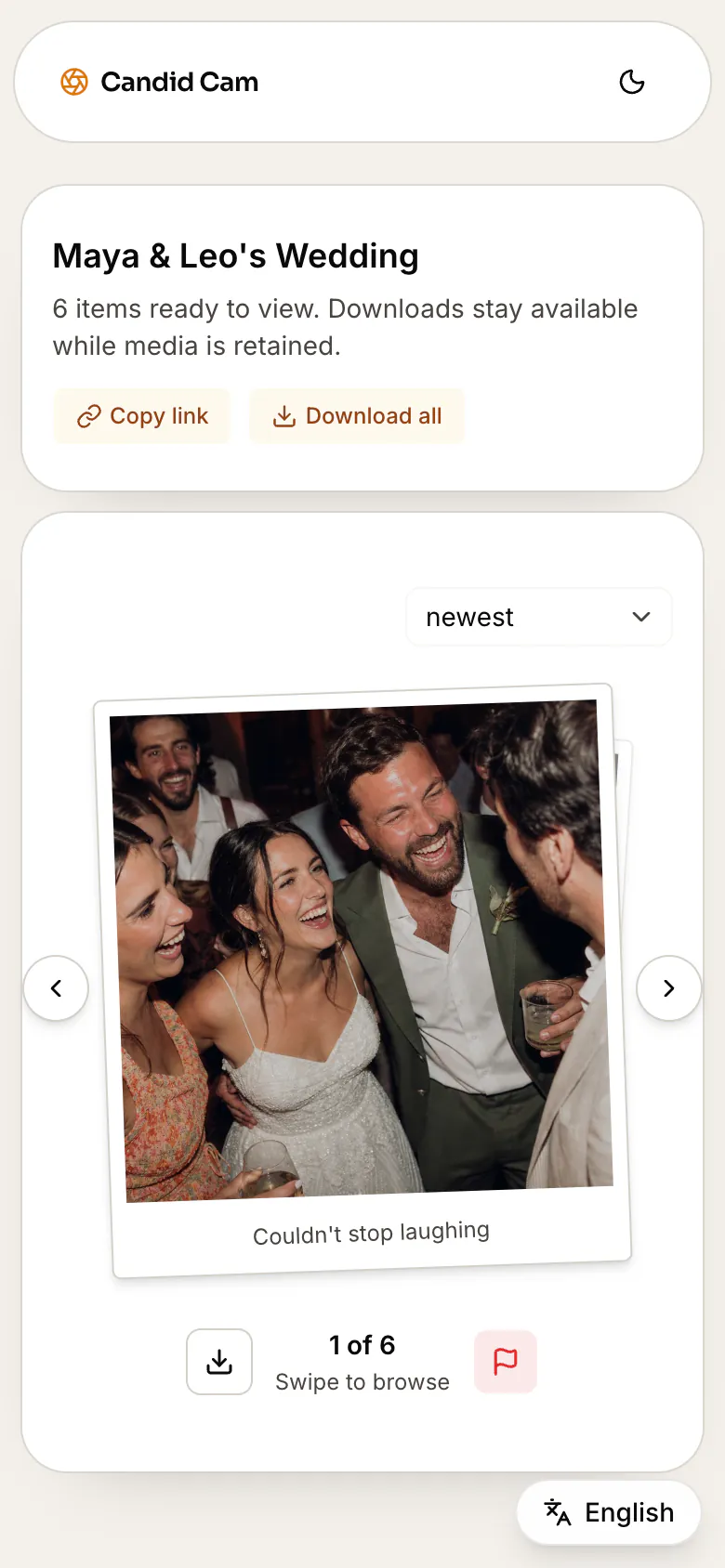
One page for every guest upload, from the first scan to the final album.

Scan or tap the link

Guests can scan the printed QR code or open the same upload link from a text, wedding website, or thank-you message.

Open in the browser

The upload page works from the phone browser, so guests do not need an app store, account, or shared-folder permission.

Choose photos and videos

Guests select the moments already on their camera roll: selfies, speeches, dance-floor clips, and table photos.

Send to private review

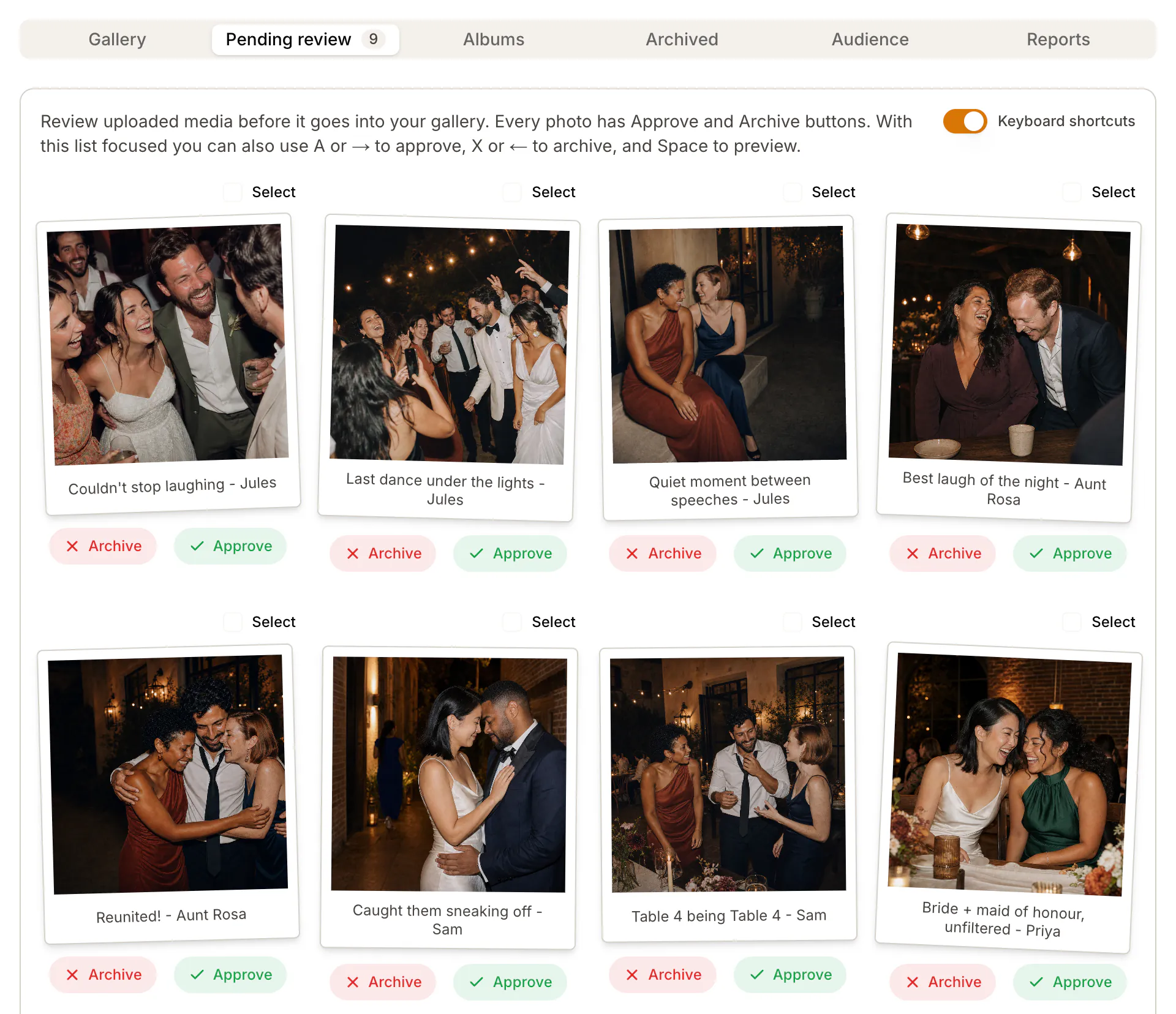
Uploads land in one private queue for the host, keeping the final album curated instead of instantly public.

Upload page friction

Guest photo upload fails when the destination is unclear.

The best wedding guest photo upload flow is boring in the right way: one code, one link, one page, and one private album queue. Remove every extra choice between guests and the photos already on their phones.

The link is hard to find later

If the upload link only appears once during the reception, guests forget it before they check their camera roll.

Guests are asked to install something

Downloads create friction for relatives, casual plus-ones, and anyone who only wants to send a few photos.

Photos arrive in several places

Group chats, shared drives, hashtags, and DMs split the collection and make review harder after the wedding.

Everything goes public too soon

A guest upload page should help the couple review first, then share the polished album when it is ready.

What to collect

Build the upload page around the moments guests already have.

Guests do not need a complicated brief. Ask for the candid photos, short clips, and behind-the-scenes angles that would otherwise stay in the camera roll. The upload page keeps those files organized for review.

Guest photos

Collect the phone-camera angles your photographer cannot be everywhere to capture.

Guest videos

Keep short clips from speeches, entrances, outfit reveals, and late-night dancing with the photos.

Reminder-ready

Use the same link on signs, table cards, wedding websites, speeches, and the morning-after text.

Useful after the event

Guests often upload more once they are home and scrolling through the camera roll.

Wedding guest photo upload FAQ

How can wedding guests upload photos?

Guests can scan a Candid Cam QR code or open the upload link, then choose photos and videos from their phone browser. They do not need to download an app or create an account.

What is a wedding guest photo upload page?

It is one private destination where guests send wedding photos and videos. The couple can review uploads before sharing the final album.

Can guests upload videos too?

Yes. Candid Cam supports guest photos and videos, so short clips from speeches, entrances, and dancing can land in the same collection.

Should we use a QR code or a plain link?

Use both. Print the QR code where guests can scan it, and include the plain link on the wedding website, follow-up texts, or thank-you messages.

When should we ask guests to upload photos?

Ask during natural pauses at the reception, then send the link again the next morning. Many guests upload more once they are back in their camera roll.

Give guests one upload page they can finish fast.

Create the album, print the QR code, and send the same link after the wedding so the best guest photos do not stay on phones.

Create guest upload page