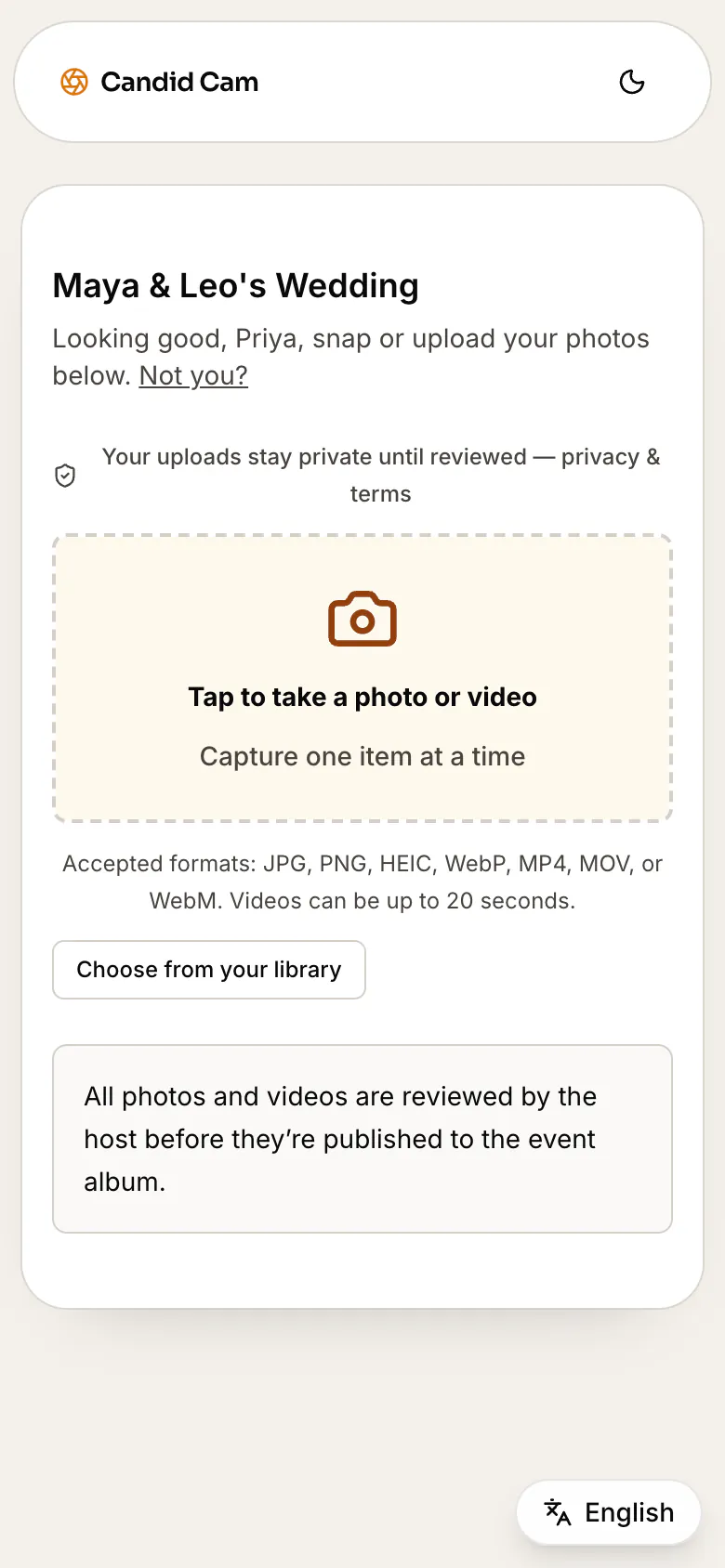
No guest app download
Guests scan, open the browser, and upload from the phone they already have at the wedding.
GuestPix alternative
If you are comparing GuestPix alternatives, focus on the guest path: how quickly people can upload, whether they need an app, how private the review queue is, and how easy it is to share the final album after the wedding.
Free to set up. Activate the live guest QR when the wedding is ready.
Wedding guest upload
No app or account needed
One QR code for the event
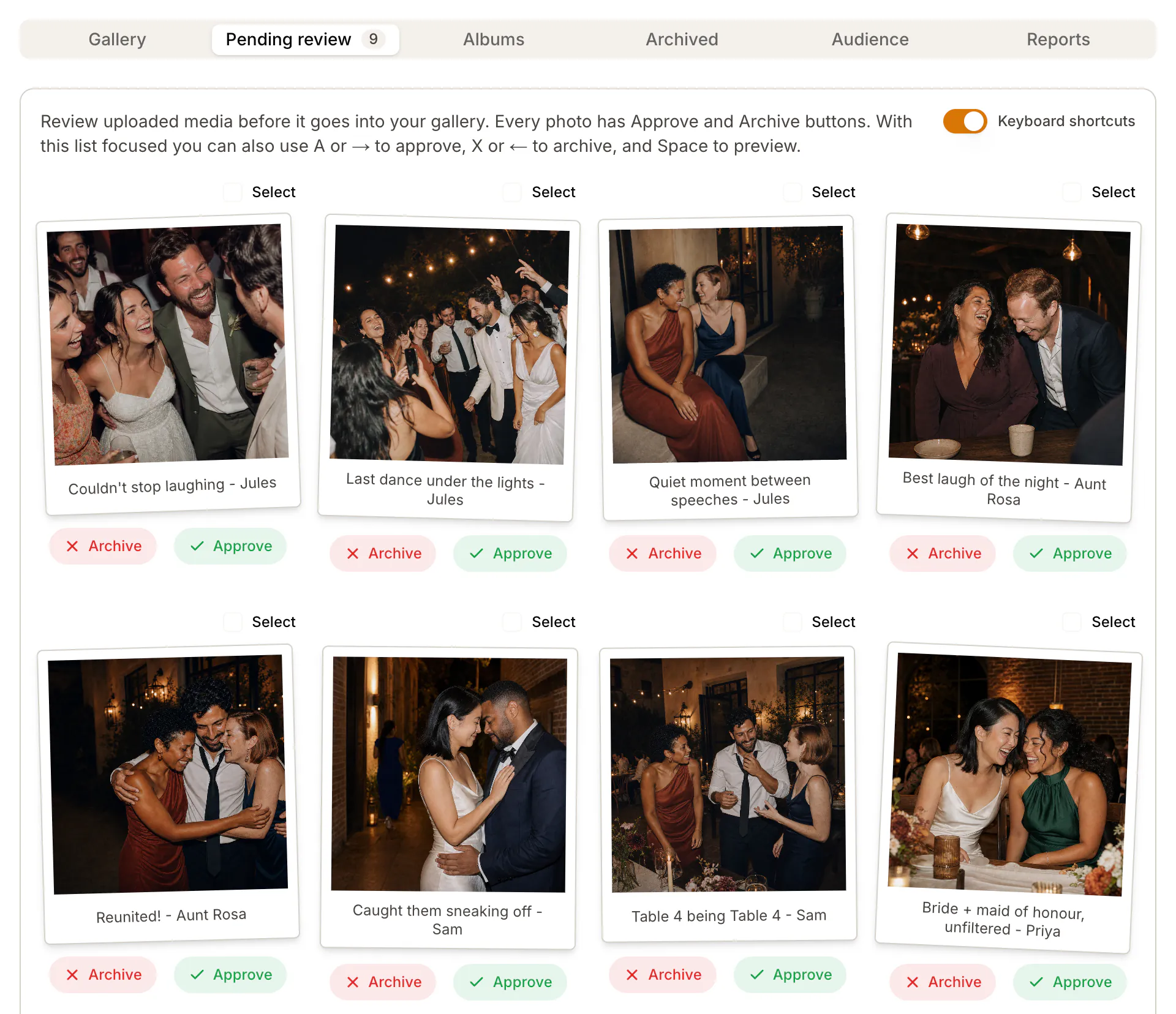
Private host review queue
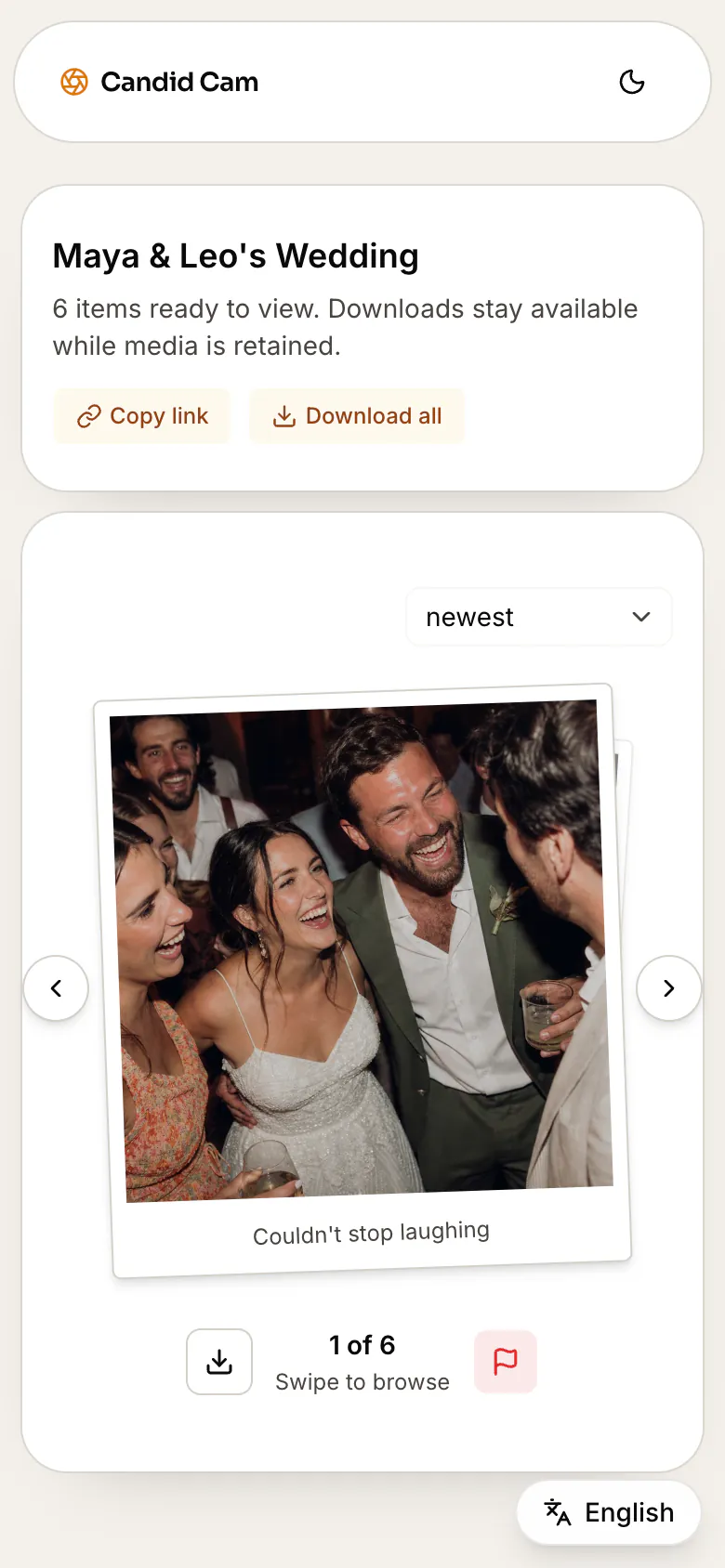
Reminder links after the wedding
Compare the flow
Search results for GuestPix alternatives are full of couples asking the same buying question: will guests upload without friction? Use this comparison to choose the QR photo collection flow that fits your wedding.
GuestPix comparison: A QR-code event photo sharing flow built around guests adding media to an event.
Candid Cam: One QR code or link opens a browser upload page, so guests do not need an app or account.
GuestPix comparison: Compare the review, gallery, and sharing controls against your event privacy needs.
Candid Cam: Uploads can stay in a private host queue until the couple chooses the final album.
GuestPix comparison: The QR code still needs signs, table cards, and follow-up wording to drive uploads.
Candid Cam: The page cluster includes sign wording, day-after reminders, and collection checklists.
GuestPix comparison: Worth comparing when you want an established QR event-photo product.
Candid Cam: Worth comparing when no-app upload, private review, and wedding-specific handoff matter most.
Guests scan, open the browser, and upload from the phone they already have at the wedding.
The couple controls what goes into the final album instead of making every upload instantly public.
Use QR signs at the reception and follow-up links after the wedding when camera rolls are full.
Collect ceremony clips, dance-floor videos, table selfies, and candid photos in one upload flow.
Evaluation checklist
A comparison page should help you decide, not just attack another product. Put each option through the same guest-upload checklist.
Can every guest upload without downloading an app or creating an account?
Can the couple review uploads before sharing the final album?
Does the flow support both QR signs and plain links for reminders?
Does the tool explain what happens before, during, and after the wedding?
Are pricing, upload limits, album access, and retention clear enough for your guest count?
Related wedding guides
Pair this GuestPix alternative comparison with the QR setup, app comparison, and reminder guides so couples can choose and launch the collection path.
Compare app, browser, shared-folder, hashtag, and QR-code collection options.
Set up the QR code, upload page, review flow, and album sharing plan.
Plan the reminders and guest upload moments that make the QR code work.
Copy wording for signs, table cards, programs, and day-after reminders.
Compare another QR event-photo option against wedding-first no-app upload.
Compare QR event photo sharing against browser-based guest upload.
Compare another wedding QR photo sharing option against no-app upload.
Compare planning-suite extras against focused browser guest photo upload.
Replace a retired guest photo app with no-app QR upload and private review.
Replace an older wedding guest photo app with browser QR upload.
Compare another wedding upload option against browser upload and private review.
Compare all-in-one wedding QR tools against focused no-app guest photo collection.
Compare live photo wall and digital album options against browser guest upload.
Compare digital disposable camera apps against no-app QR guest photo upload.
GuestPix alternative FAQ
A GuestPix alternative is another way to collect wedding guest photos and videos, usually through a QR code, upload link, browser page, or event album.
Yes if your priority is guest participation. Compare the guest upload steps, app or account requirements, review controls, album sharing, pricing, and how easy it is to remind guests after the wedding.
No. Candid Cam is designed around browser upload. Guests scan the QR code or open the link, then upload photos or videos from their phone.
Yes. Candid Cam can keep uploads in a private queue so the host chooses what belongs in the shared wedding album.
Not exactly. Google Photos is a shared album tool. A dedicated wedding upload flow is built around QR signs, guest upload, private review, reminders, and final album delivery.
Candid Cam keeps the upload path fast, private, and easy to explain on a QR sign.
Start your wedding album